
.gif?cb=193cd26fe962144f1028924bd1d79777)
Release notes - Shopdesk POS - February 2026
✨ Shopdesk POS – What’s New
We’ve rolled out a fresh set of improvements to make ShopDesk even faster, smarter, and easier to use. Here’s what’s new in this release:
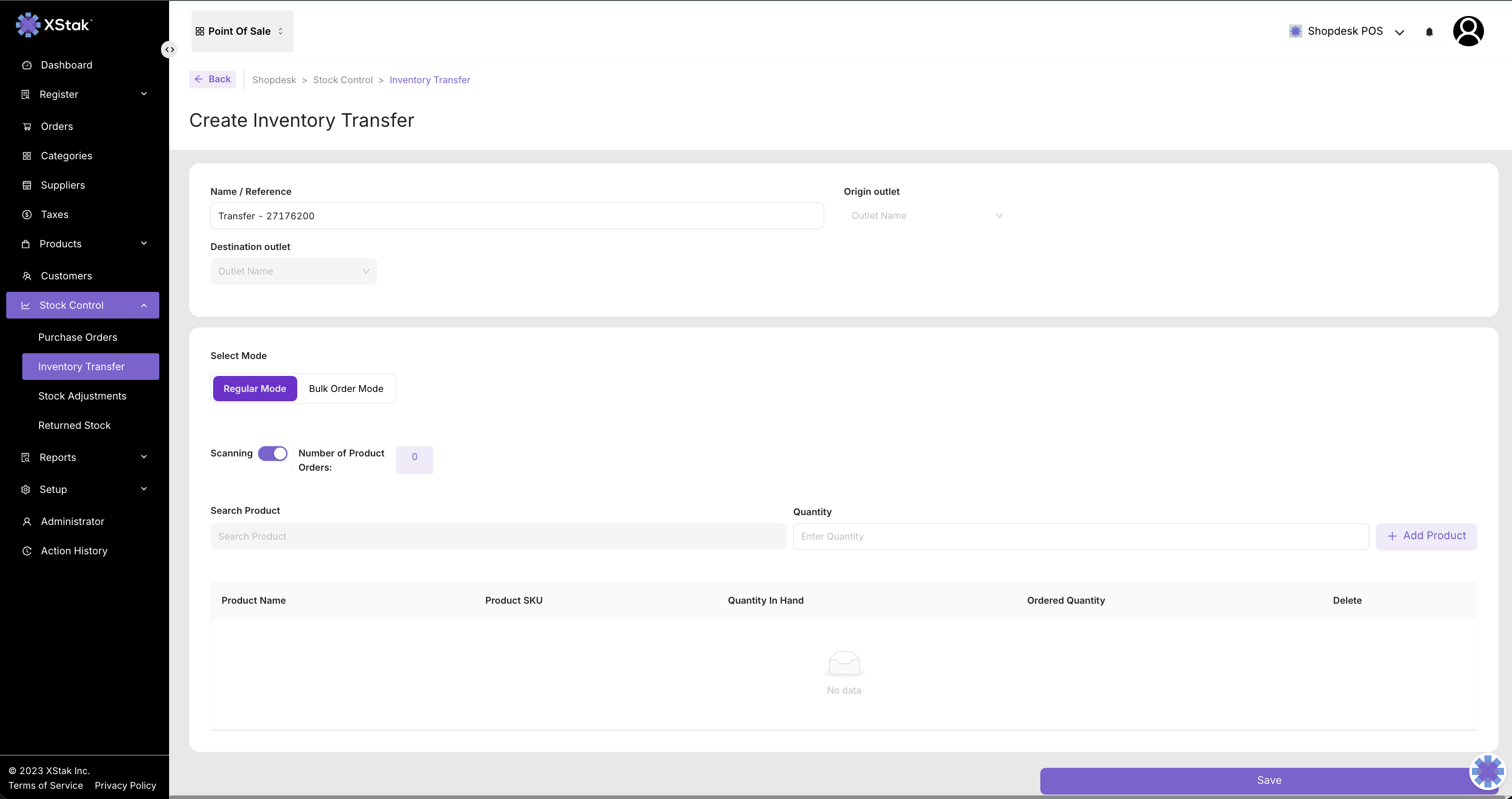
1. 📦 Scan & Transfer Stock Faster
Stock transfers just got a major speed boost!
You can now scan product barcodes directly when creating Stock Transfer Requests, making it quicker to add products and reducing manual entry errors. Perfect for busy warehouses and stores handling large inventories.
2. 🔗 ShopDesk APIs Are Now Public
Developers, rejoice! 🎉
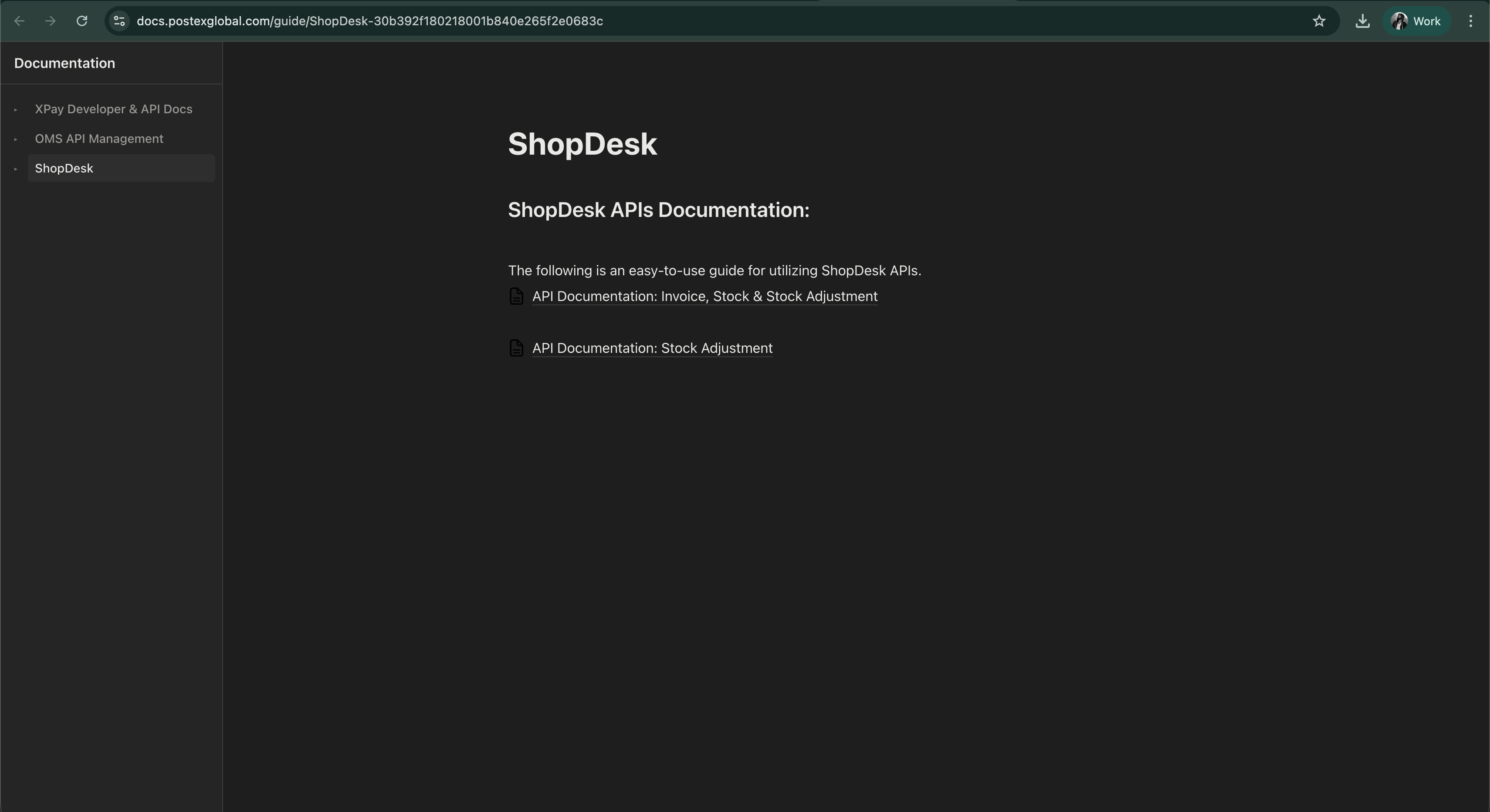
Our ShopDesk Public API Documentation is now live, making it easier than ever to integrate external systems with the POS.
This means you can:
-
Build custom integrations, Dashboard and so on!
-
Automate workflows
📘 Explore the documentation:
https://docs.postexglobal.com/guide/ShopDesk-30b392f180218001b840e265f2e0683c
3. 🧾 Sharper Logos on Receipts
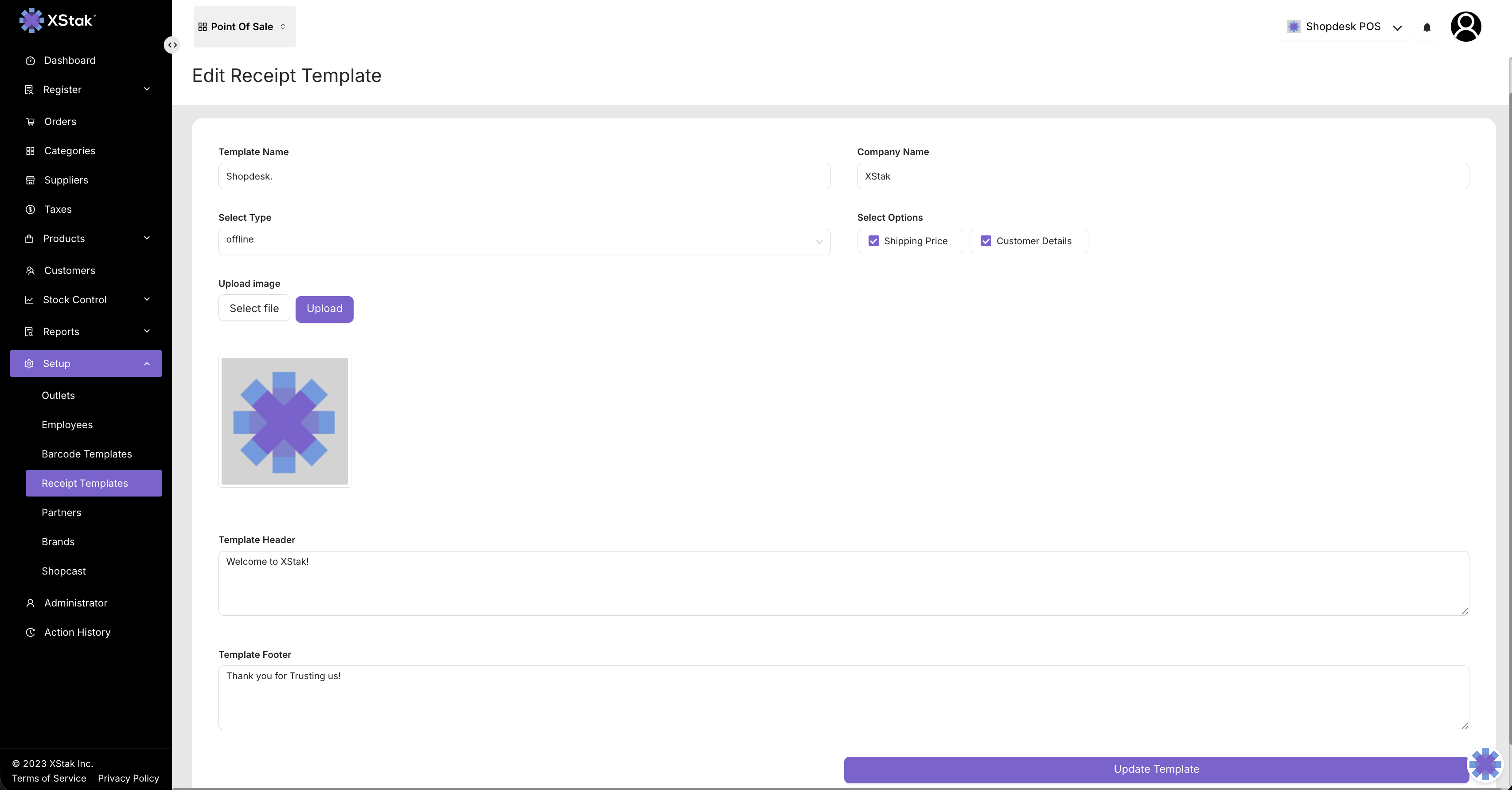
Your brand deserves to look great everywhere — even on receipts.
We’ve improved the logo upload and rendering for receipt templates, ensuring logos display more clearly and consistently when printed or shared with customers.
4. 📊 Smarter Sales Summary Reports
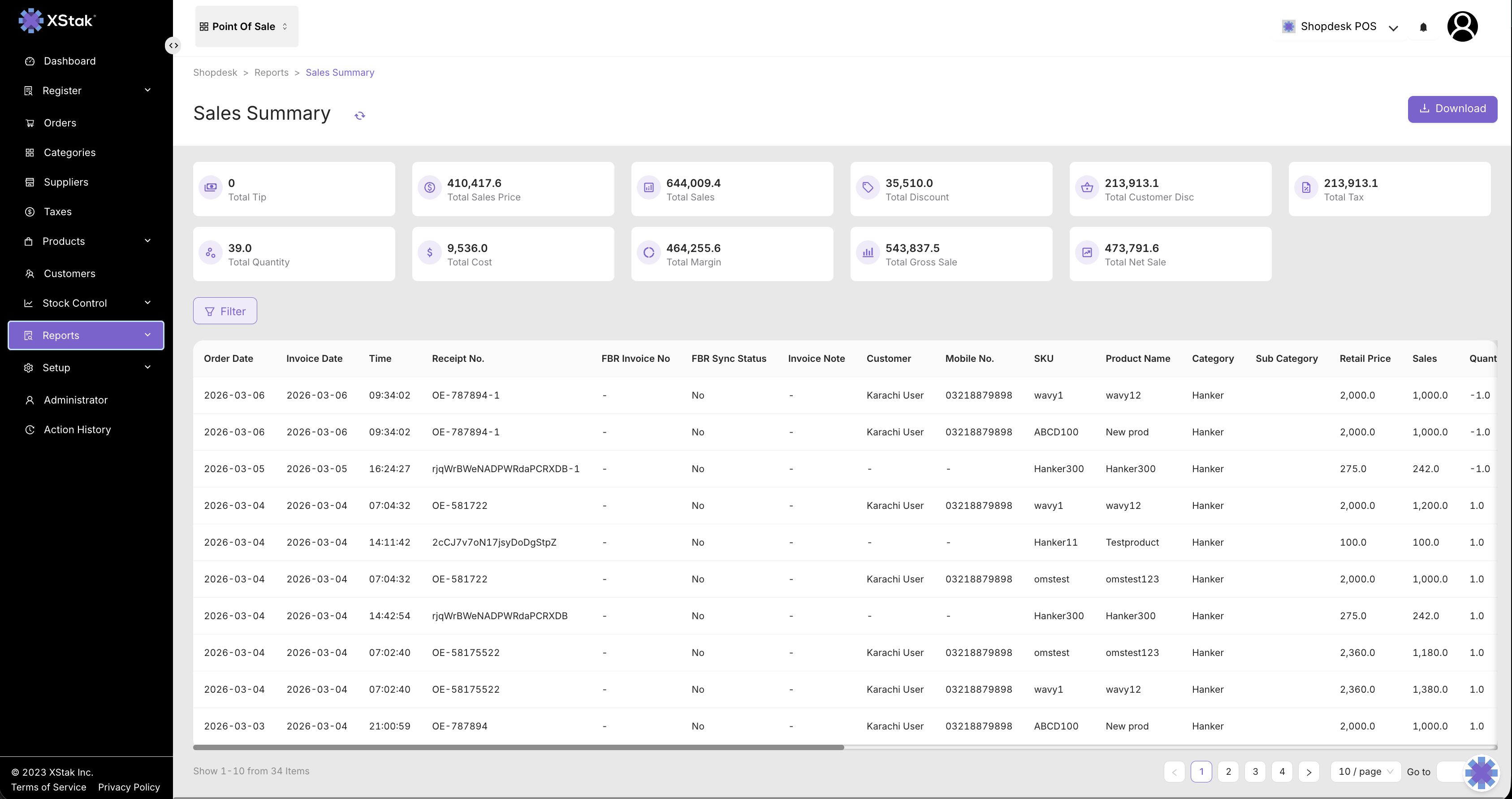
Your reporting just got a little smarter.
The Sales Summary Report now displays tax rates and related details, giving you clearer visibility into how taxes are applied within your sales data. Better insights = better financial tracking.
⚡ These updates are all about speed, clarity, and making everyday POS tasks smoother.
More improvements are always on the way — stay tuned!