
The Return Accepted tab displays orders that have been successfully verified and marked as Return Accepted during the return verification process.
This tab represents the final stage of the return journey, where the return process is complete.
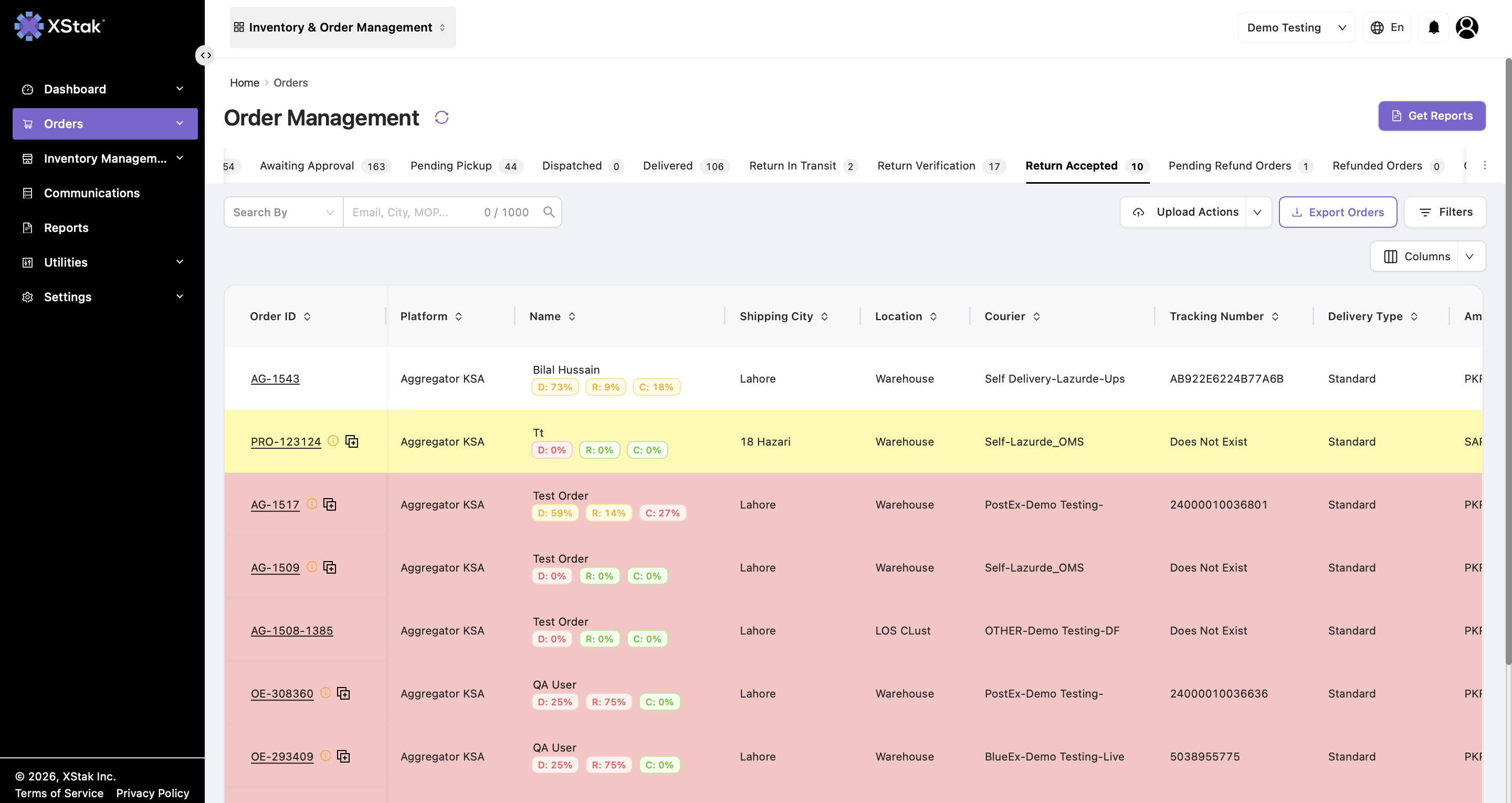
Access Path
Navigate to:
Orders → Orders Management → Return Accepted
Purpose of the Return Accepted Tab
The Return Accepted tab helps operations teams:
-
View successfully accepted return orders.
-
Track completed return cases.
-
Apply operational tags.
-
Generate OE slips.
-
Export and filter accepted return records.
This tab shows the final status of the return lifecycle.
Key Functionalities
View Accepted Return Orders
Displays orders marked as:
-
Return Accepted
These orders are fully processed and complete from the returns workflow perspective.
Process Flow
-
Navigate to Orders → Orders Management → Return Accepted.
-
Apply filters, if required.
-
Review accepted return orders.
-
Apply tags individually or in bulk.
-
Use upload actions for bulk processing.
-
Export orders, if required.