
What is OMS?
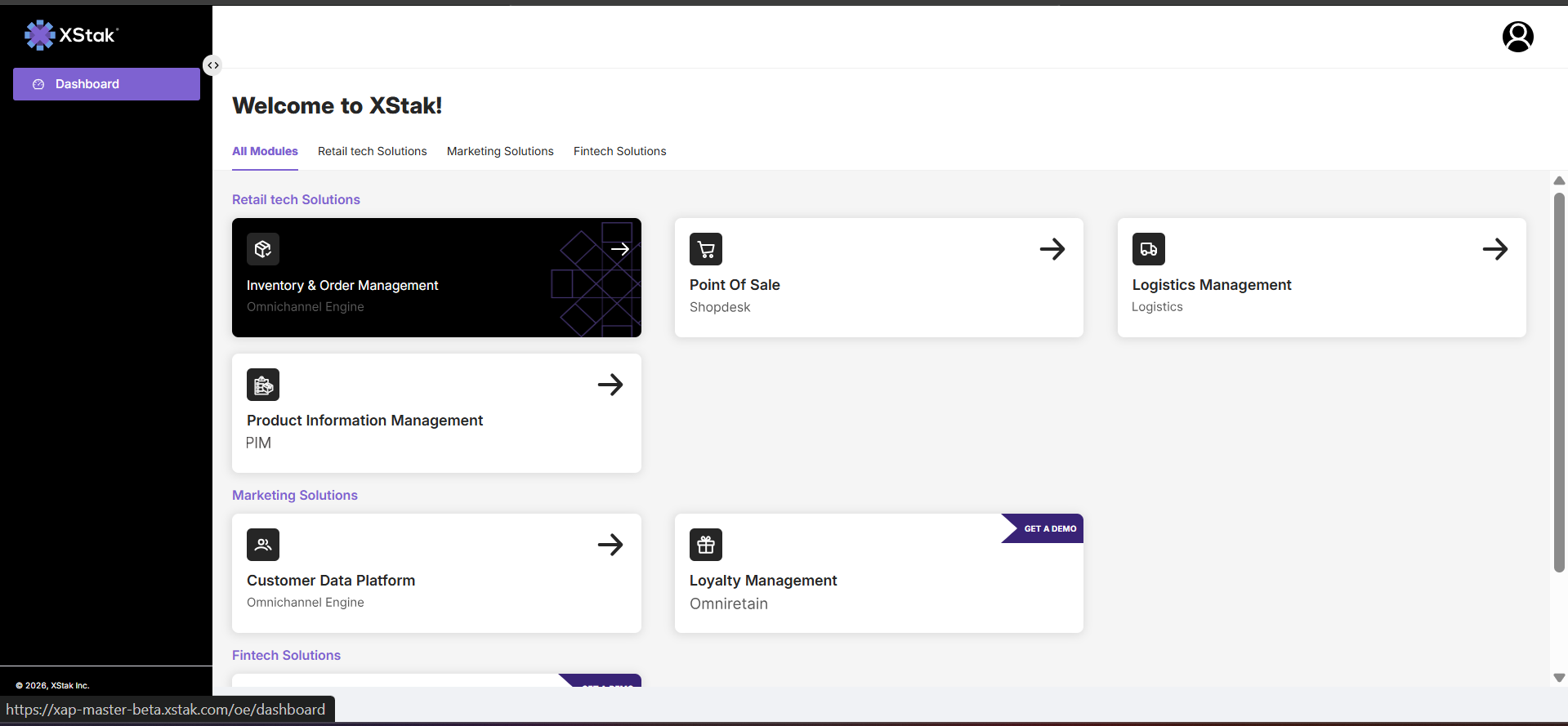
The XStak Order Management System (OMS) is a centralized operational platform designed to manage the complete lifecycle of customer orders across all sales channels, including online stores, physical retail locations, marketplaces, and other commerce touchpoints.
It acts as the single system of execution for all order-related activities, ensuring that every order is captured, processed, tracked, and completed in a structured and controlled manner. From order placement to final delivery, return, or cancellation, OMS provides end-to-end visibility and operational control.
The primary objective of OMS is to bring all order operations into a unified environment, enabling organizations to manage high-volume, multi-channel commerce with accuracy, consistency, and efficiency.
Purpose of OMS
The OMS is designed to eliminate the operational challenges that arise from fragmented order processing systems. In a typical multi-channel retail environment, orders are received from multiple sources, often resulting in inconsistent data, manual processing errors, and lack of real-time visibility.
OMS resolves these challenges by centralizing all order workflows into a single system. This ensures that every order follows a standardized lifecycle, inventory is accurately synchronized, and operational teams have complete visibility into order status at all times.
As a result, businesses are able to improve fulfillment speed, reduce operational errors, minimize revenue leakage, and enhance overall customer experience.
System Navigation Overview
The main navigation menu is located on the left-hand sidebar of the XStak OMS interface. It provides access to all core functional areas of the system. Each section represents a key operational domain responsible for managing specific aspects of order management, inventory control, communication, reporting, and system configuration.
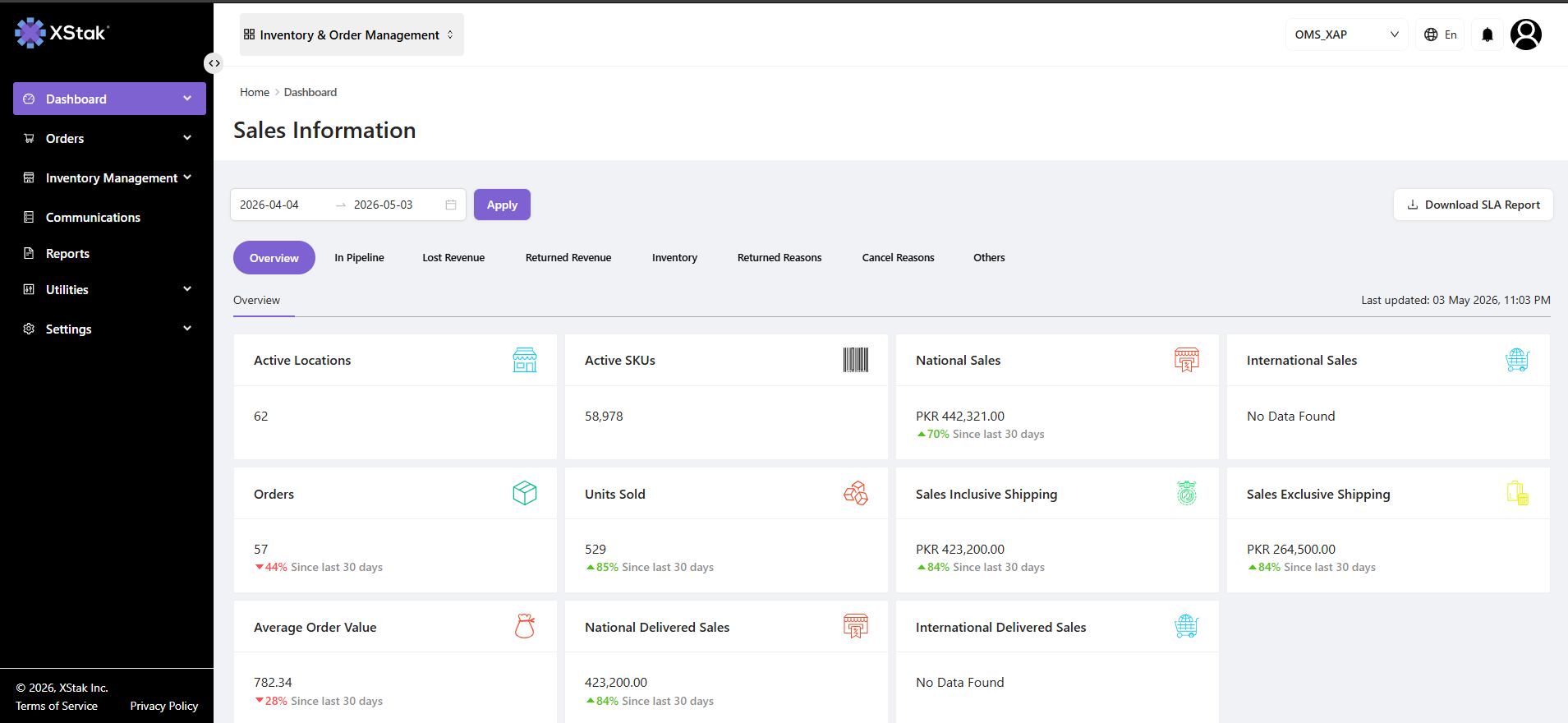
The table below outlines the structure and purpose of each module.
Navigation Structure
|
Menu Item |
Purpose |
|---|---|
|
Dashboard |
Provides a centralized overview of business performance, including key metrics such as order status, sales performance, inventory health, and operational insights. It serves as the primary monitoring and decision-making interface. |
|
Orders Management |
Manages the complete lifecycle of customer orders from creation to final delivery. This includes order verification, assignment to fulfillment locations, tracking, modifications, cancellations, and exception handling. |
|
Inventory Management |
Provides real-time visibility and control over stock across warehouses, stores, and fulfillment centers. It ensures accurate inventory synchronization across all sales channels and prevents stock discrepancies. |
|
Communications |
Manages automated communication workflows for customers and internal stakeholders, including order confirmations, status updates, delivery notifications, and system-triggered alerts. |
|
Reports |
Provides detailed analytical reports across all operational areas, including sales performance, order trends, inventory movement, returns, cancellations, and courier performance. |
|
Utilities |
Offers operational tools that support day-to-day system usage, including bulk processing, data exports, label generation, and other administrative utilities. |
|
Settings |
Manages system-wide configurations, including user roles, permissions, integrations, and workflow settings that define system behavior and access control. |