.gif?cb=193cd26fe962144f1028924bd1d79777)
Release notes - OE - December 2022
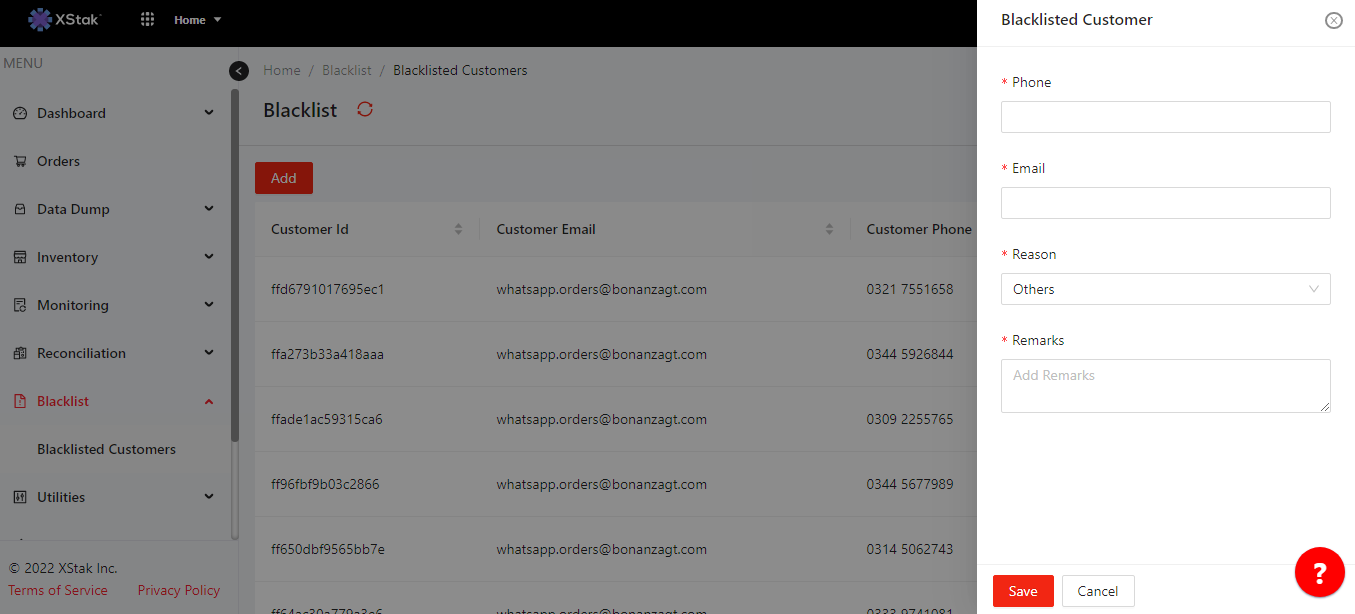
Black list reasons “others”
Capability in Blacklist Tab, where brands can add the Custom Reasons for Blacklisted customers. For this they have to select “others” from the reason then another field appears for the Custom Remarks.
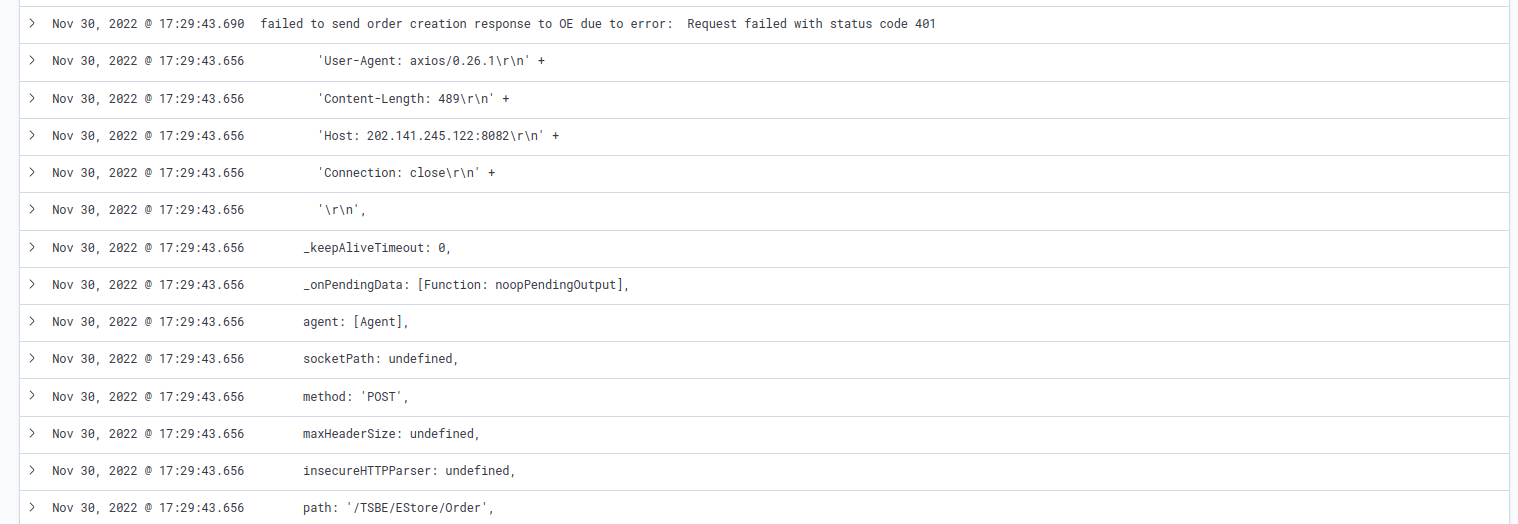
Added detail error msg in error tag (For Technosys)
Brands requirement, when order not successfully created on Technosys, they want a detailed error message in error tag.
.png?cb=084e89d621759120081176d45f8185a0)
This was fixed and deployed to stage:
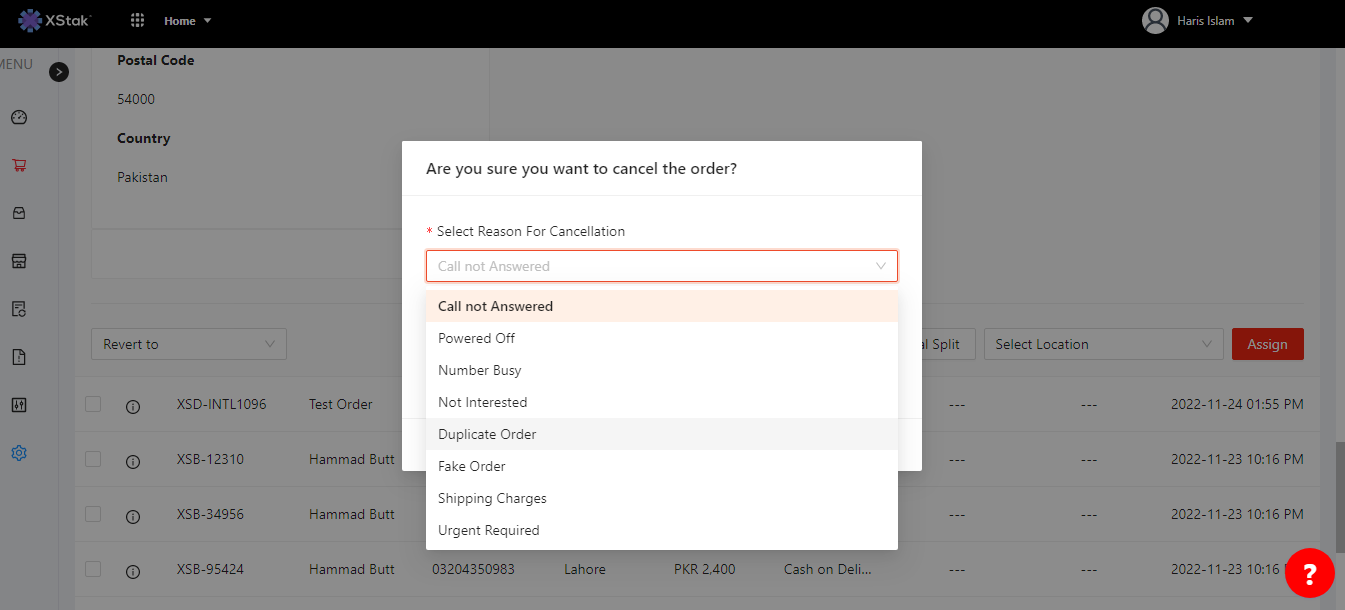
"Duplicate order" in cancellation reasoning
When customer places the same order mistakenly and confirms to cancel the duplicate orders. For cancellation reasoning, the exact match for this Duplicate Order added in the dropdown list.
Comment's Accordion (to expand)
Comments hidden by default in Omnichannel Engine, its needed to be auto-expand when comments added in an order. It helps the brands in monitoring.
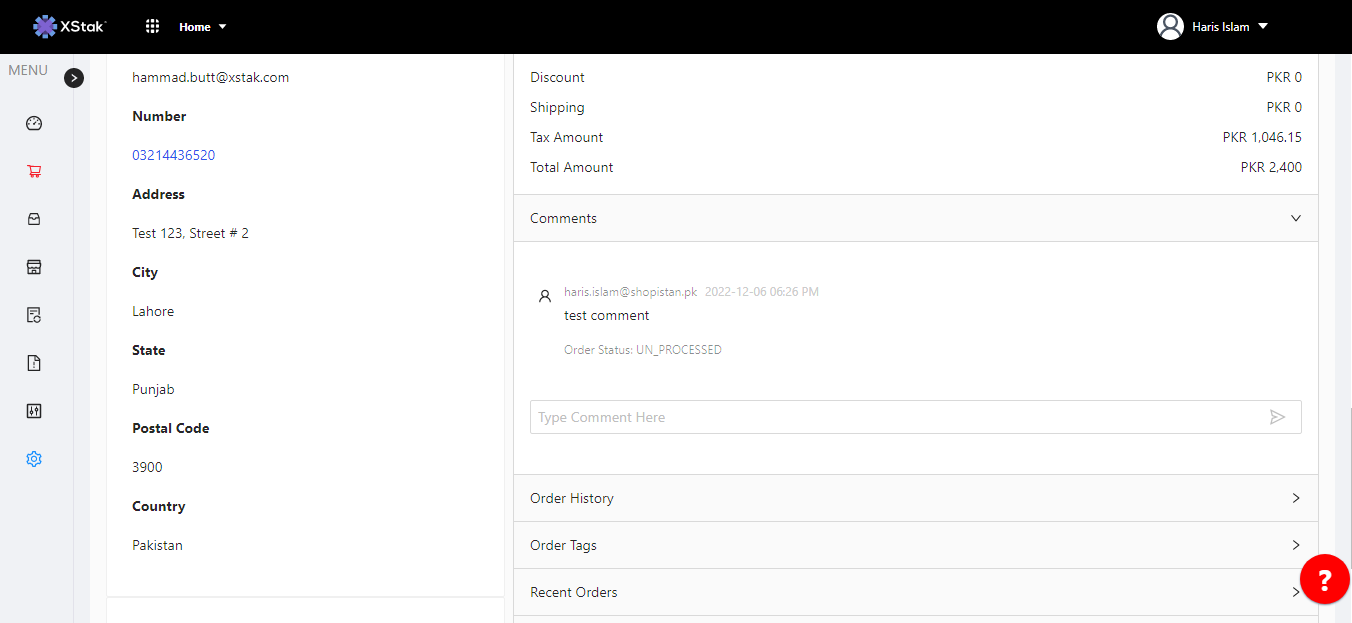
Need order Transitioned date filter in OMS
A filter called "Order Status Update Data (Order Transitioned date)" is needed, which will allow brands to view orders based on their status update data and download dispatch notes for orders that were processed on a specific date.
This was fixed and deployed to Live:
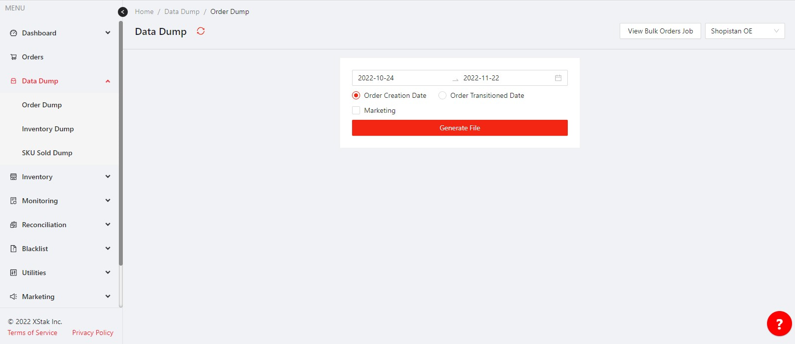
Filter for MOP & Duplicate orders
Filters are needed for method of payment and orders marked with the duplicate tag. These filters will allow brands to view all orders and filter them by method of payment (COD or CC) and orders marked as duplicates. The method of payment filter will be a dropdown menu.
This was fixed and deployed to Live:
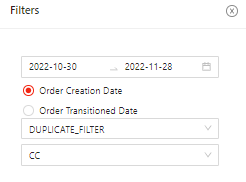
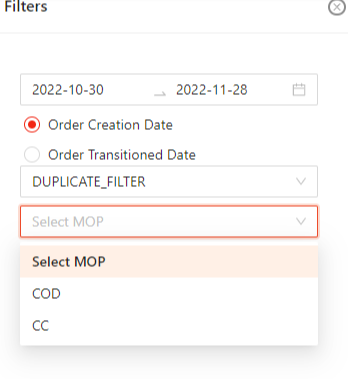
Increase the widths of the search bar and drop-down menu.
The width of the dropdown menu and text box should be increased to ensure that all options in the dropdown are visible and the text box does not appear cramped. There is enough space in the header to increase the width of both elements.
This was fixed and deployed to Live:
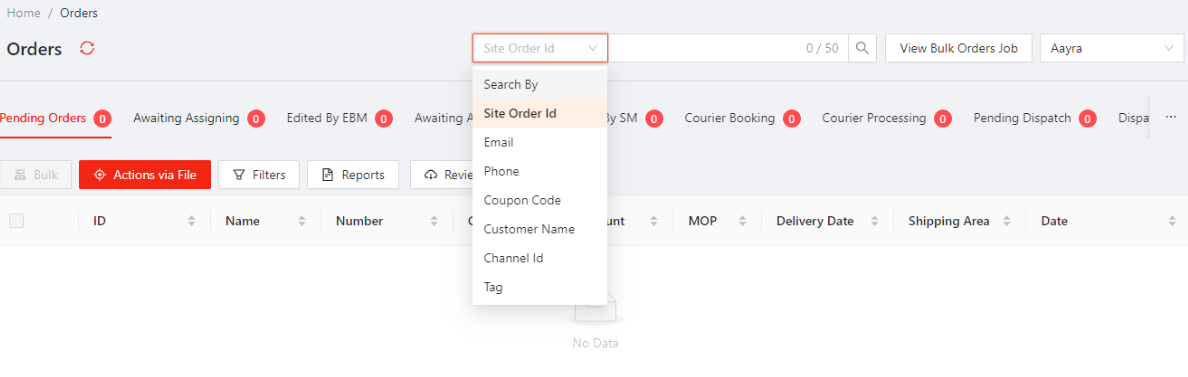
Orders search bar should remain static
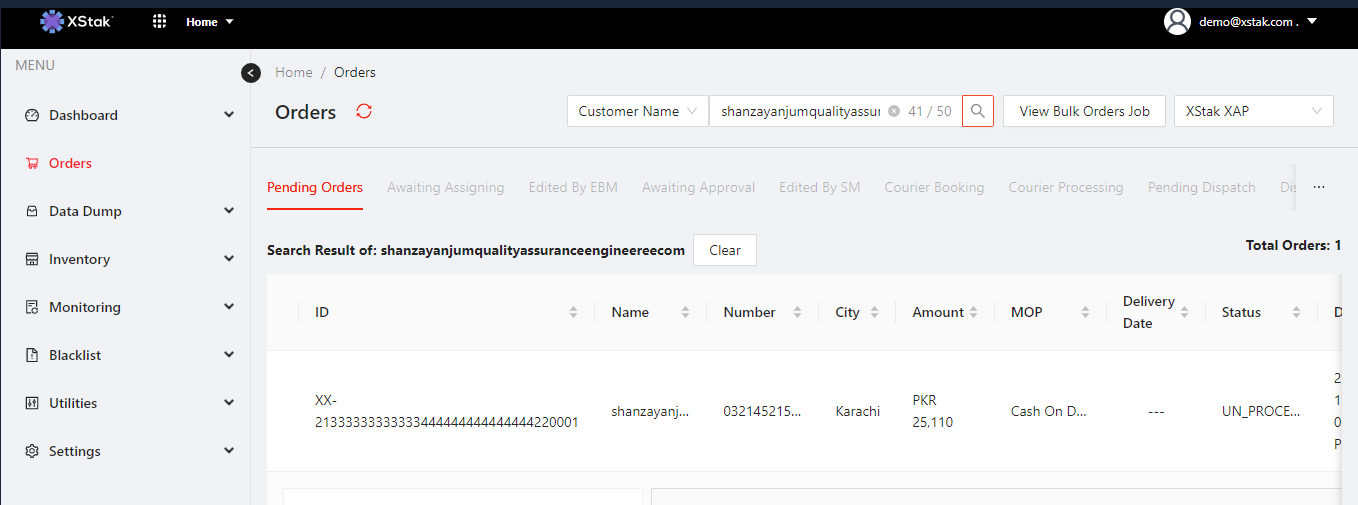
The search bar should be located on the top of the screen and make it global. The search function should include a clear button when a new search is performed, as it did in the previous version.
This was fixed and deployed to Live:
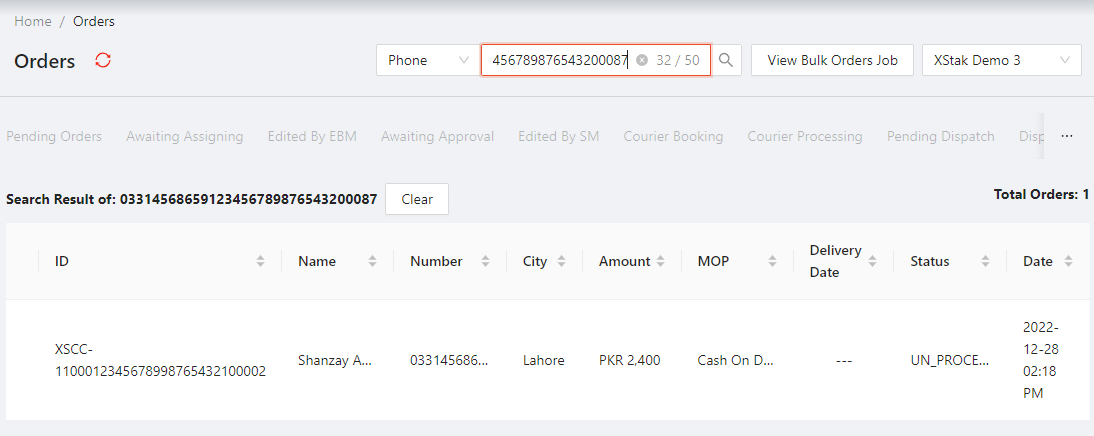
Set new limit for search field up to 50 characters.
Currently, the character limit for the search field is set at 30, which can be limiting for users who want to perform more detailed searches. In order to enhance the usefulness and ease of use of the search feature, it is requested that the character limit be increased to 50. This will allow users to enter more specific search queries and find the information they need more easily.

This was fixed and deployed to Live:
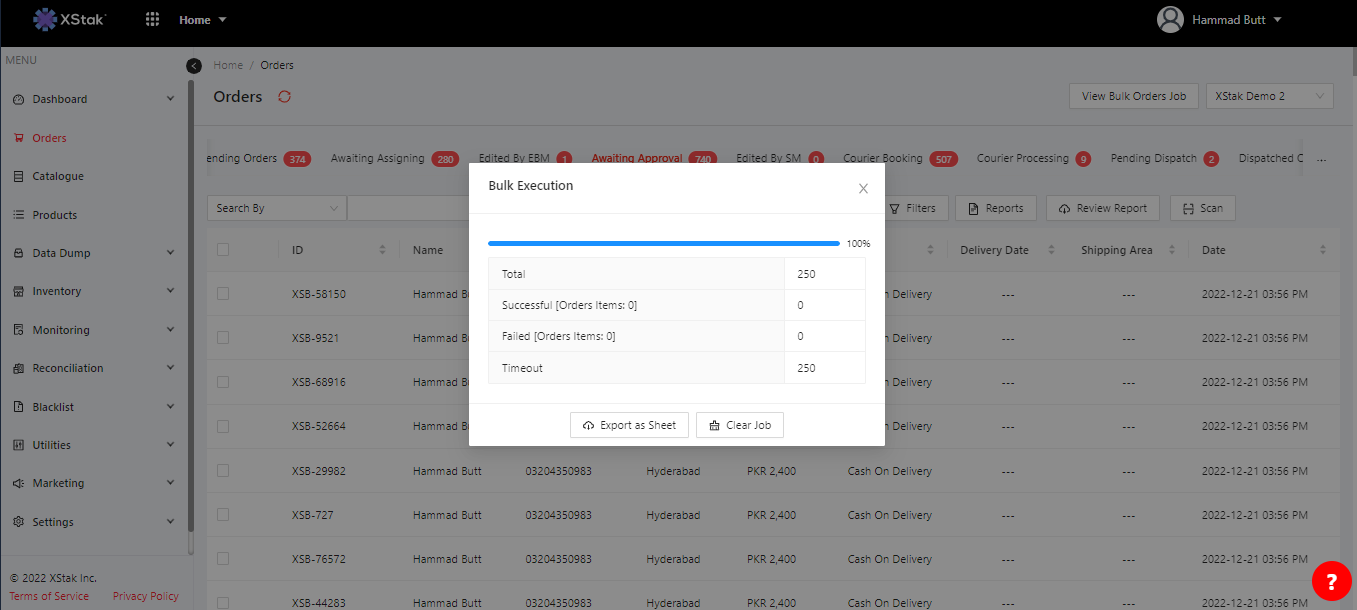
Timeout Issues
Real-time updates needed for progress bar and count during order processing for efficient business management. Currently, updates only occur upon completion and issues with stuck orders cause delays. Permanently resolve delays and update progress for successful, failed, and timeout categories
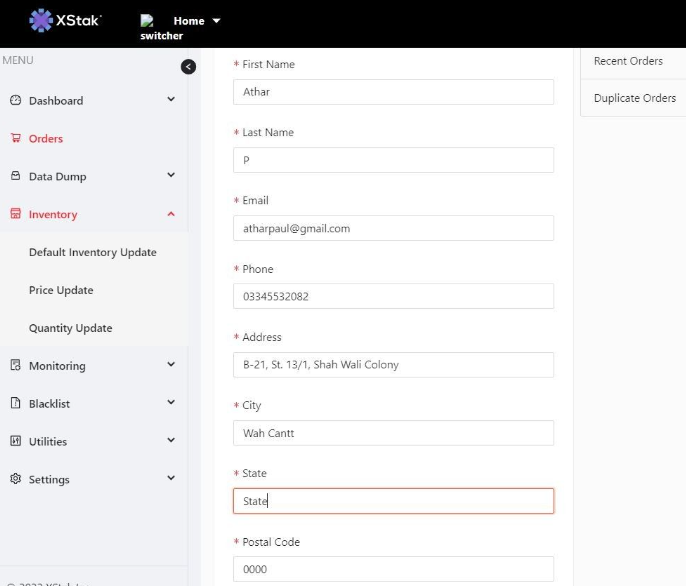
Make "State" optional
"State" field in the customer details section of the Omnichannel Engine be made optional. This means that it would not be required for the user to input a state in order to save the customer's information.
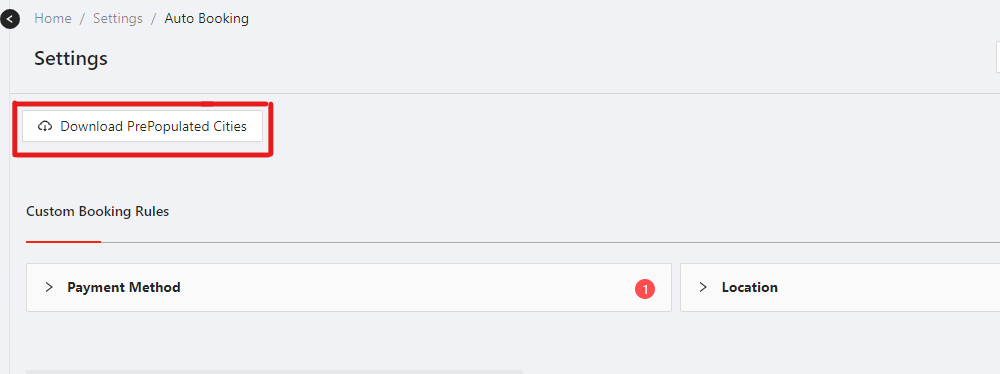
Cities list should be exportable
A complete cities list should be exportable so that it can be easily used to map out the locations of third-party logistics (3PL) providers. The exportable cities list would likely include the names of the cities and possibly other relevant information, such as the country or region in which the city is located.
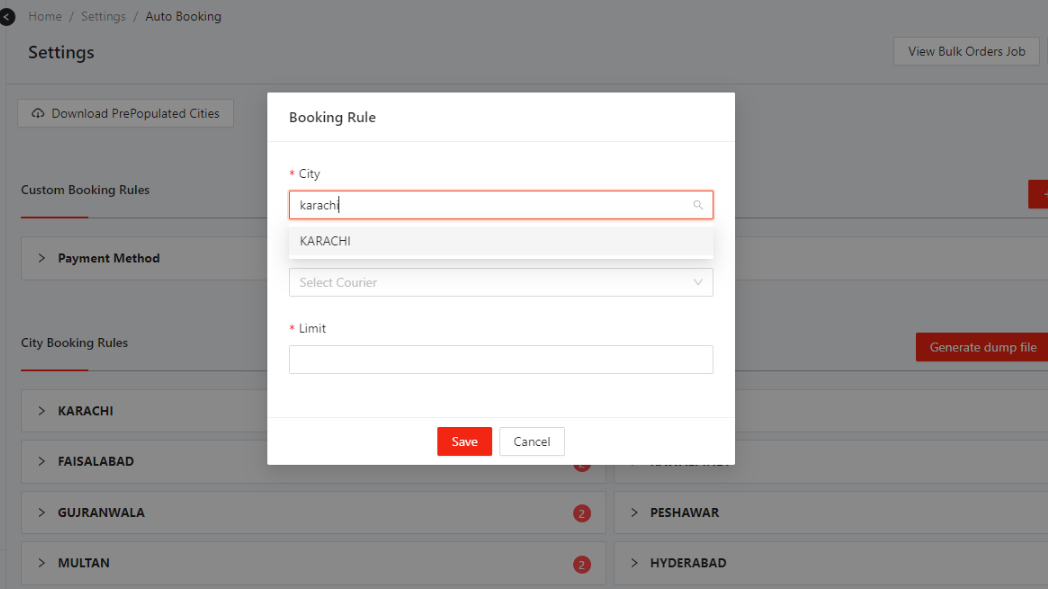
Cities list should be searchable
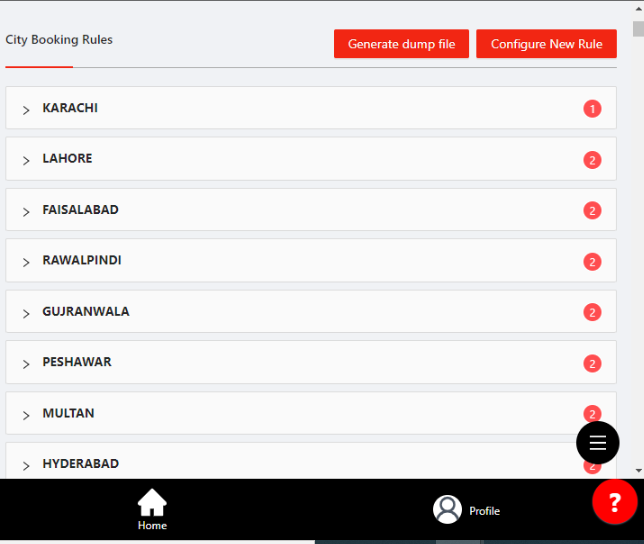
Currently, if a city needs to be added to the map, it is necessary to scroll through the entire list of cities to find the desired city. It would be more efficient if the cities were searchable while configuring booking rules, so that the desired city could be found more quickly.
Update City Booking Rules
To set city-level booking rules, specify rules for shipments to/from certain cities. Clear previous city-level rules and update with new rules using a script. The script can automate rule updates and ensure correct application across all relevant cities.