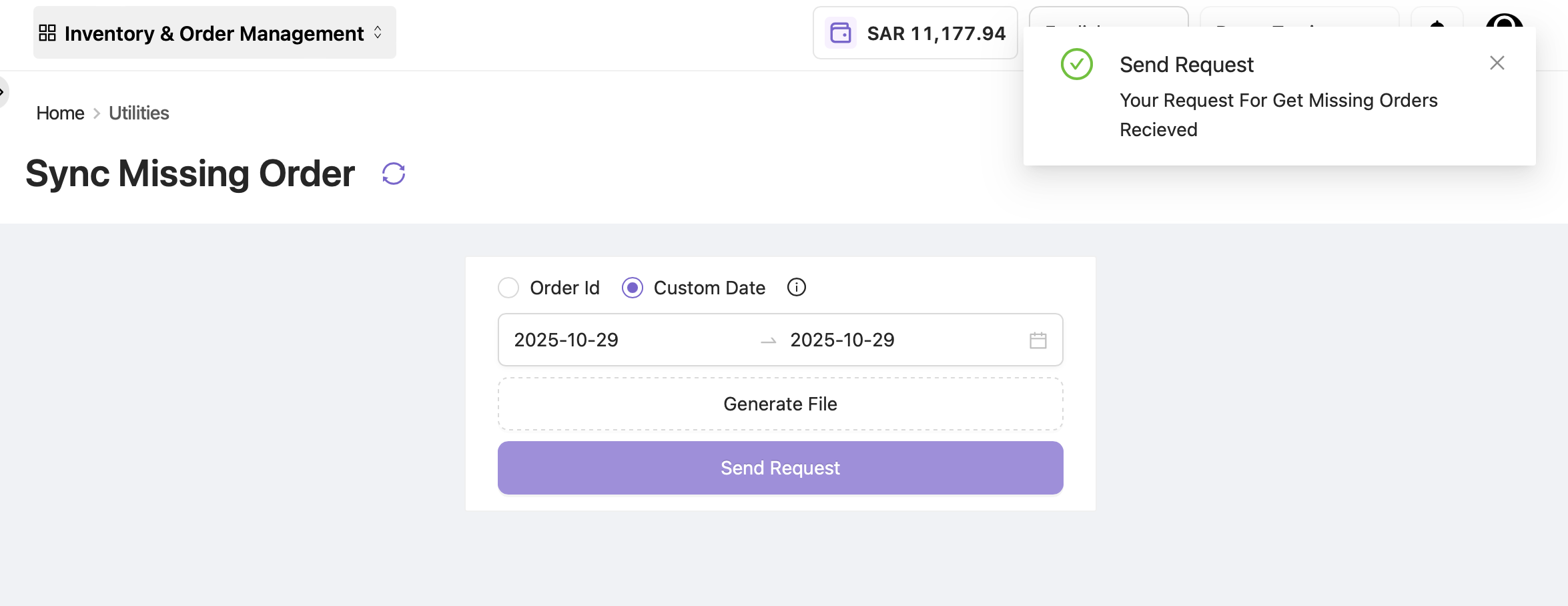
In rare cases, such as an API throttle malfunction, some orders may not sync into OE and therefore cannot be managed, processed, or fulfilled on time. These orders are considered “missed.” The Sync Missing Order tab helps identify missed orders and sync them into OE.
By default, an OE scheduler runs every hour to collect any missed orders and add them to OE for fulfillment. However, if a brand wants to check or fetch orders within a specific time frame, the Sync Missing Order functionality can be used.
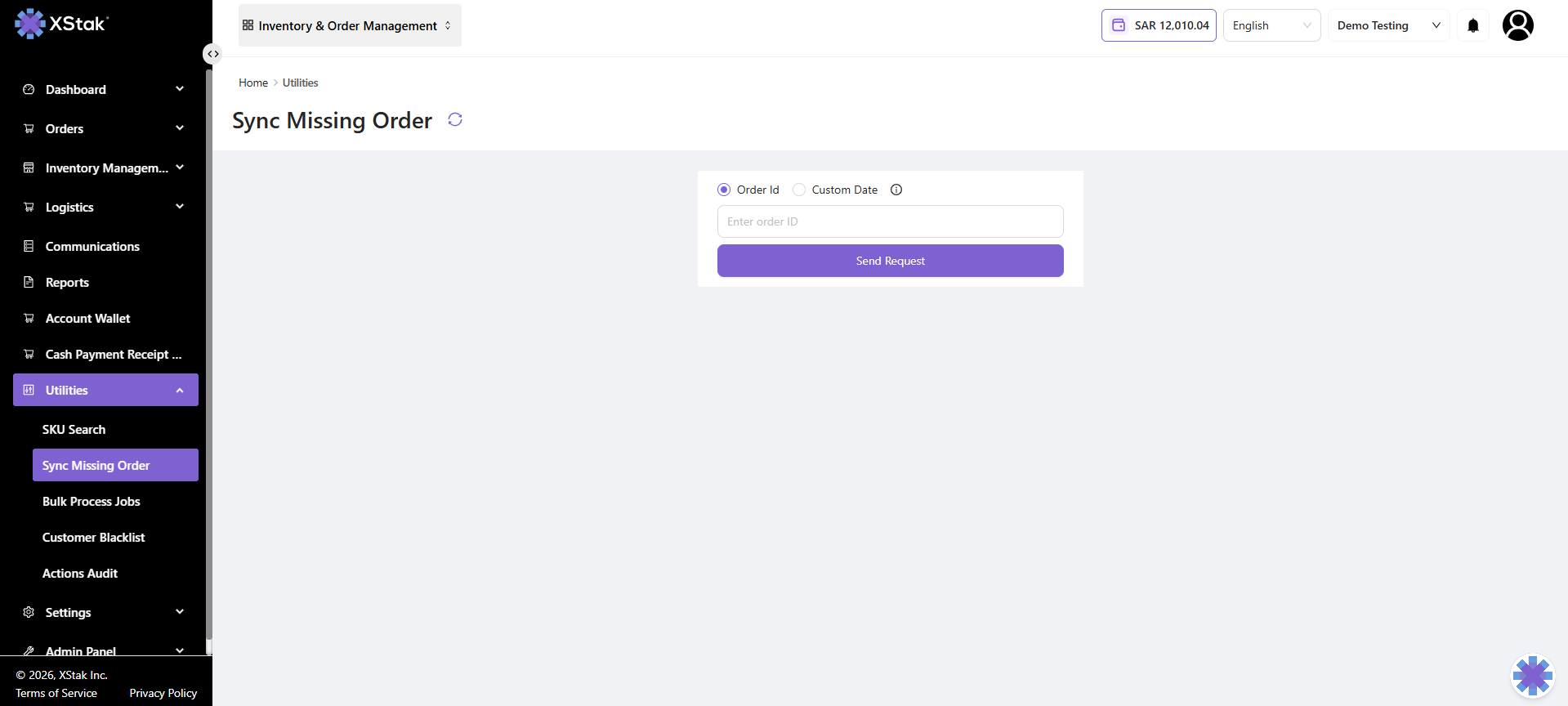
Search Missed Orders
You can search for missed orders in two ways:
-
By Order ID
-
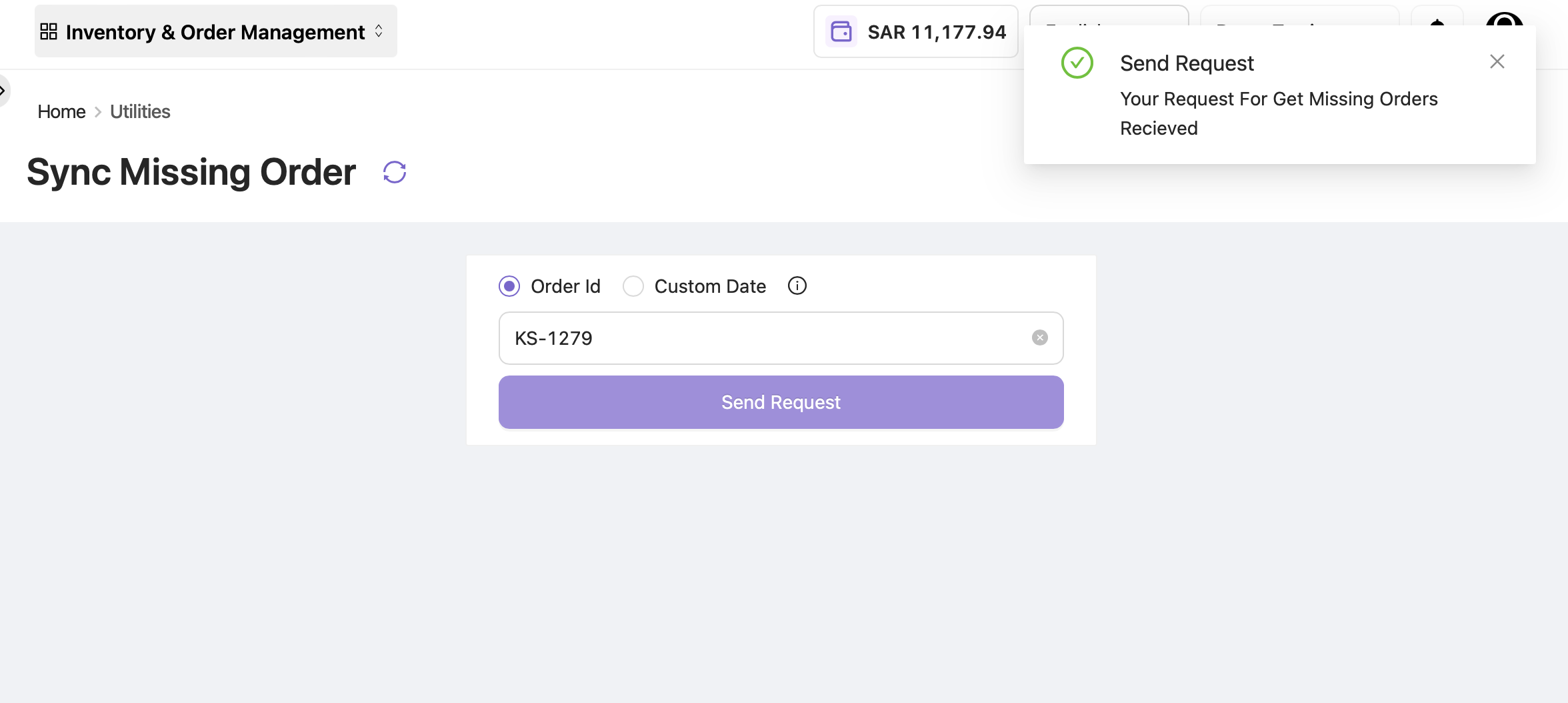
Click Order ID, enter the order ID, and select Send Request.
-
If the order was missed for any reason, it will be fetched into OE.
-
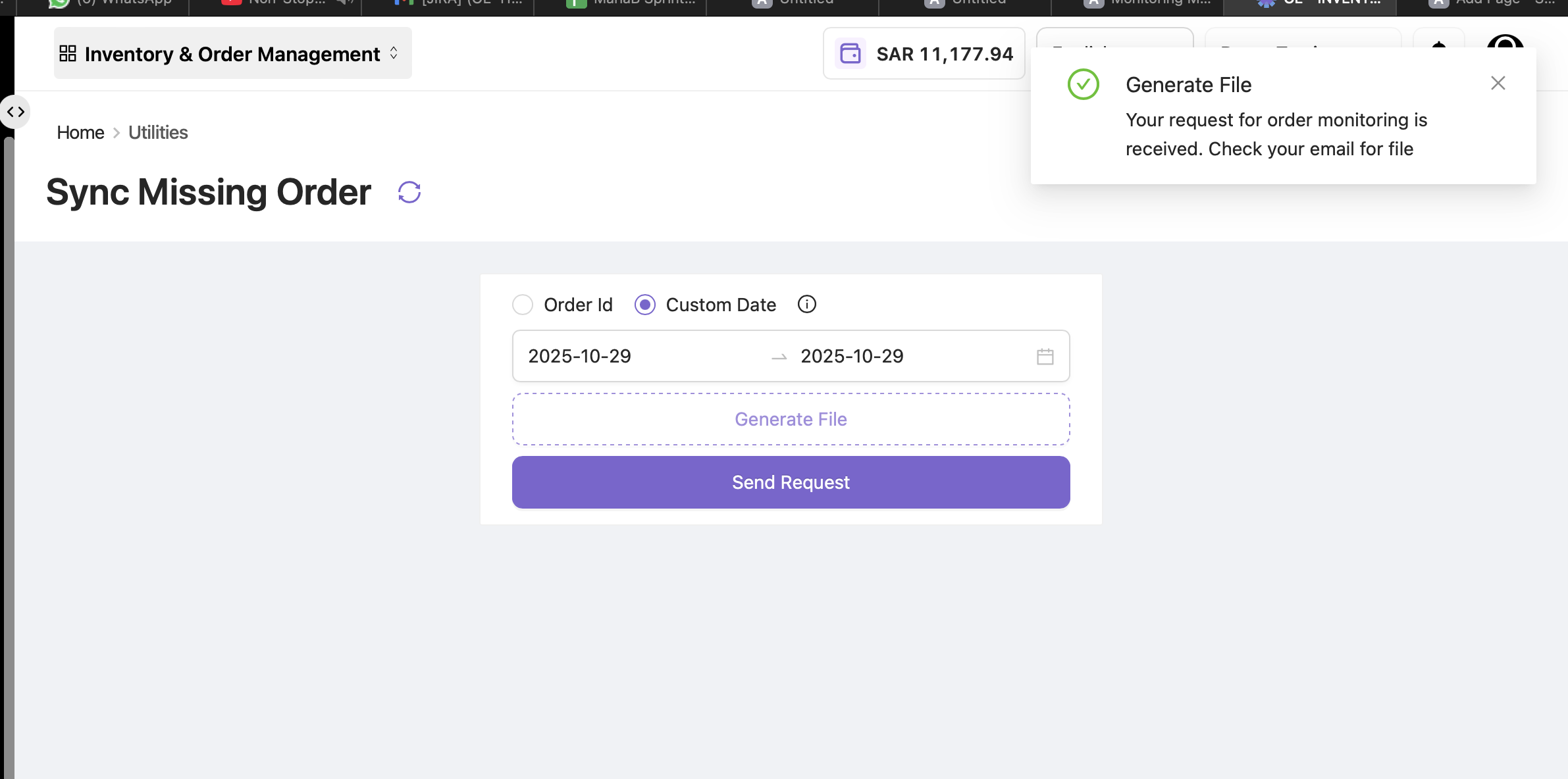
By Custom Date
-
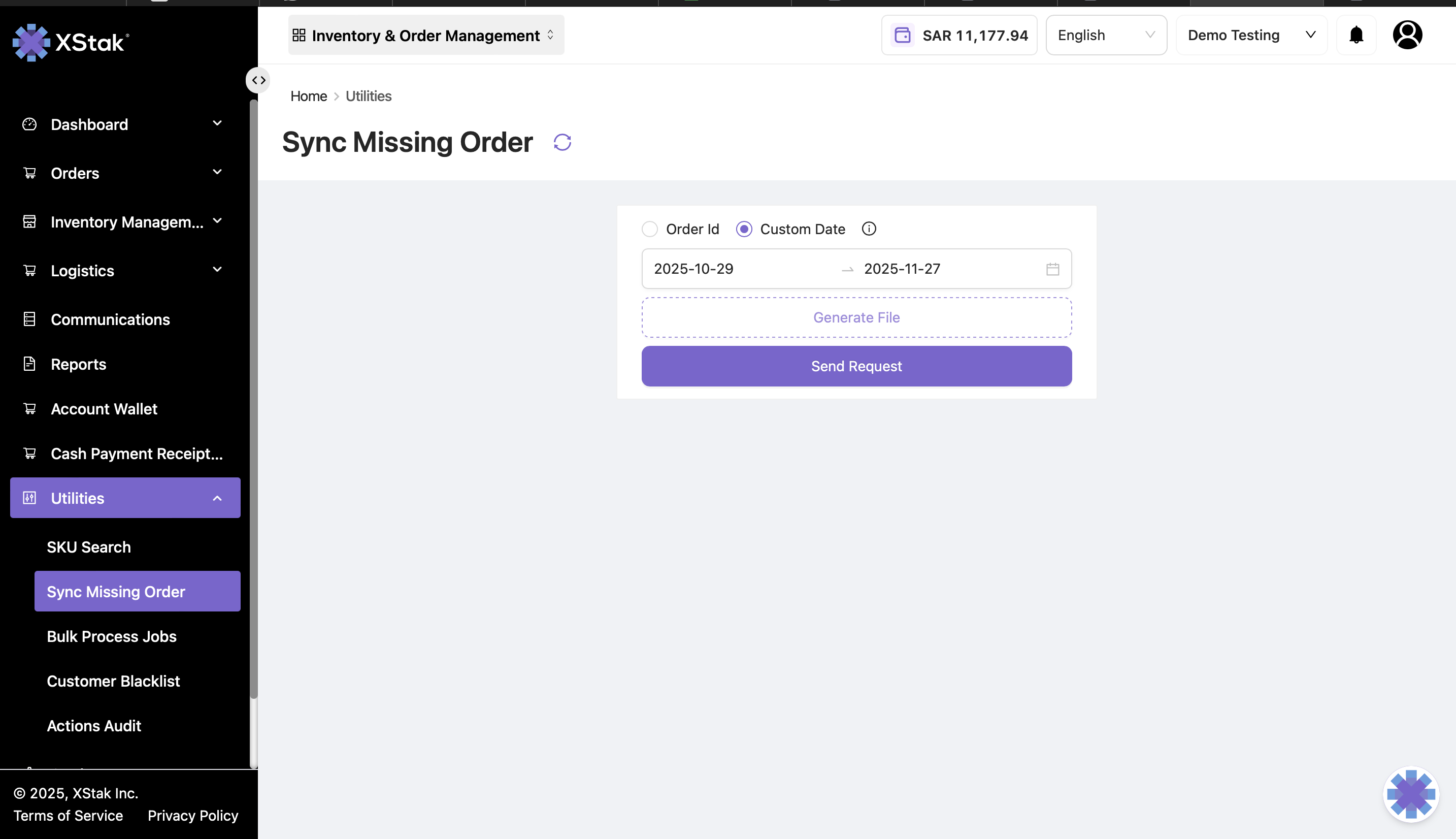
Click Custom Date and select the desired date range.
-
Click Generate File to view the failed orders.
-
Click Send Request to fetch the missed orders into OE.
-
A pop-up will appear confirming that the request has been received.