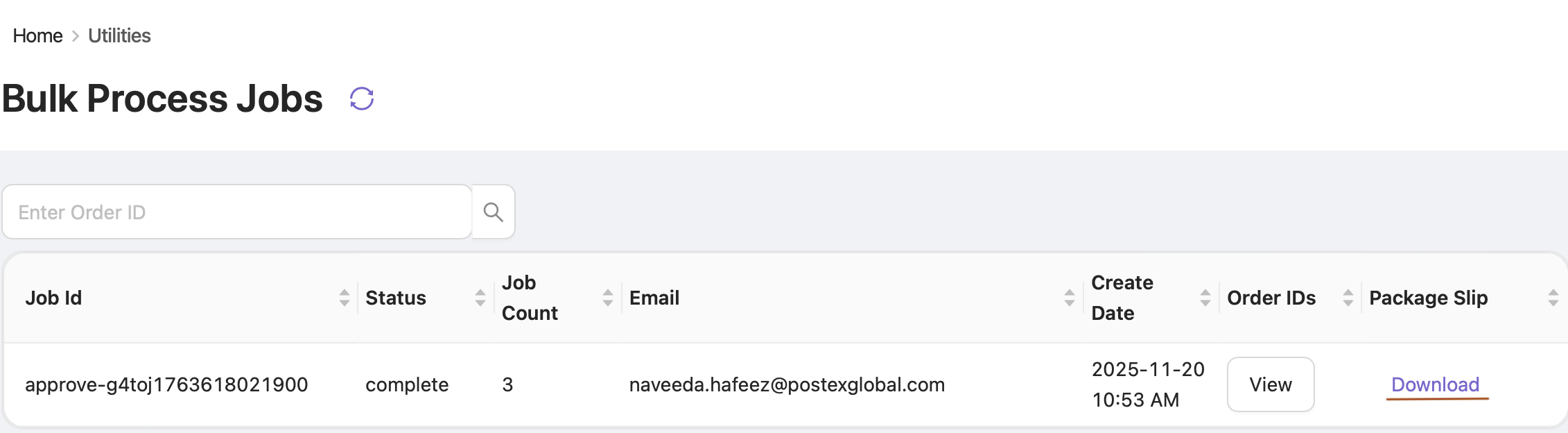
The Bulk Process Jobs section allows you to view and track all bulk operations performed in OE, including verifying, cancelling, assigning, and booking orders.
How to Access
-
Click the Utilities module in the sidebar.
-
Select Bulk Process Jobs from the dropdown.
In this section, you can view a detailed list of all executed bulk jobs. Each job displays key information, including:
-
Job ID – The unique identifier assigned to each bulk job.
-
Status – Indicates whether the job has been completed or is still in progress.
-
Job Count – The total number of orders processed in the job.
-
Email – Shows the email address of the user who initiated the job.
-
Created Date – The date on which the job was executed.
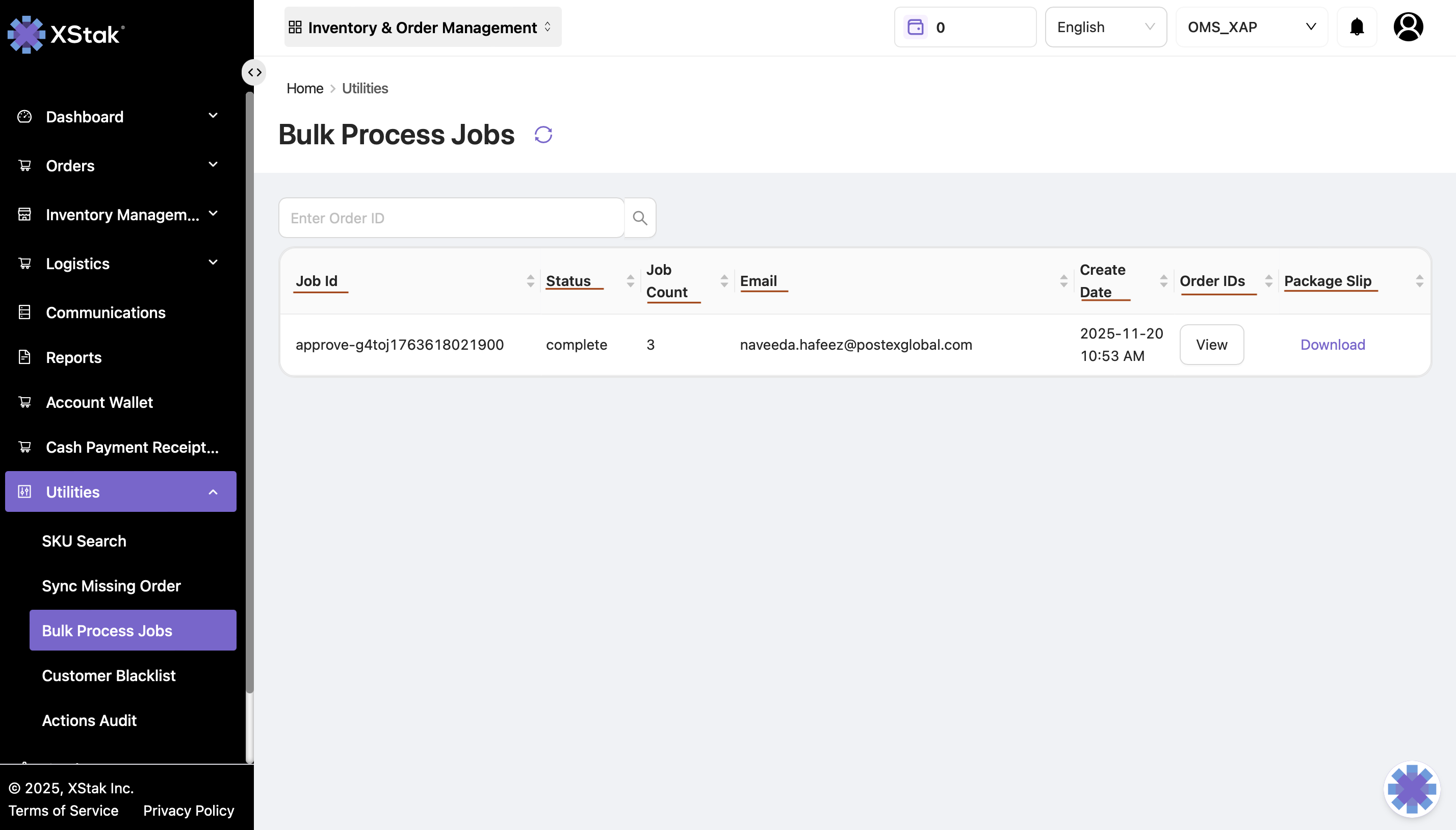
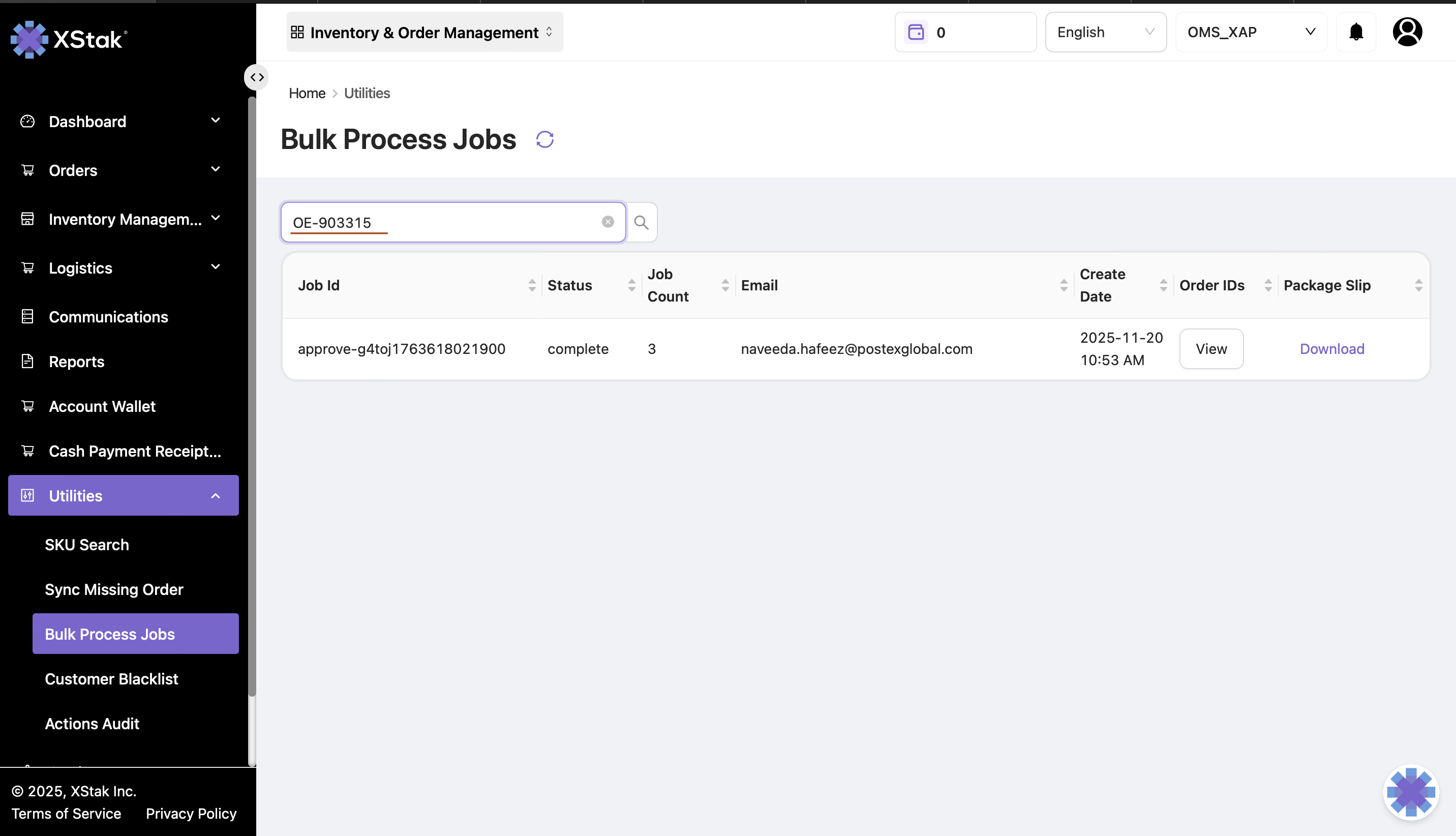
Search Jobs
You can search for a specific job by entering an Order ID in the search bar.
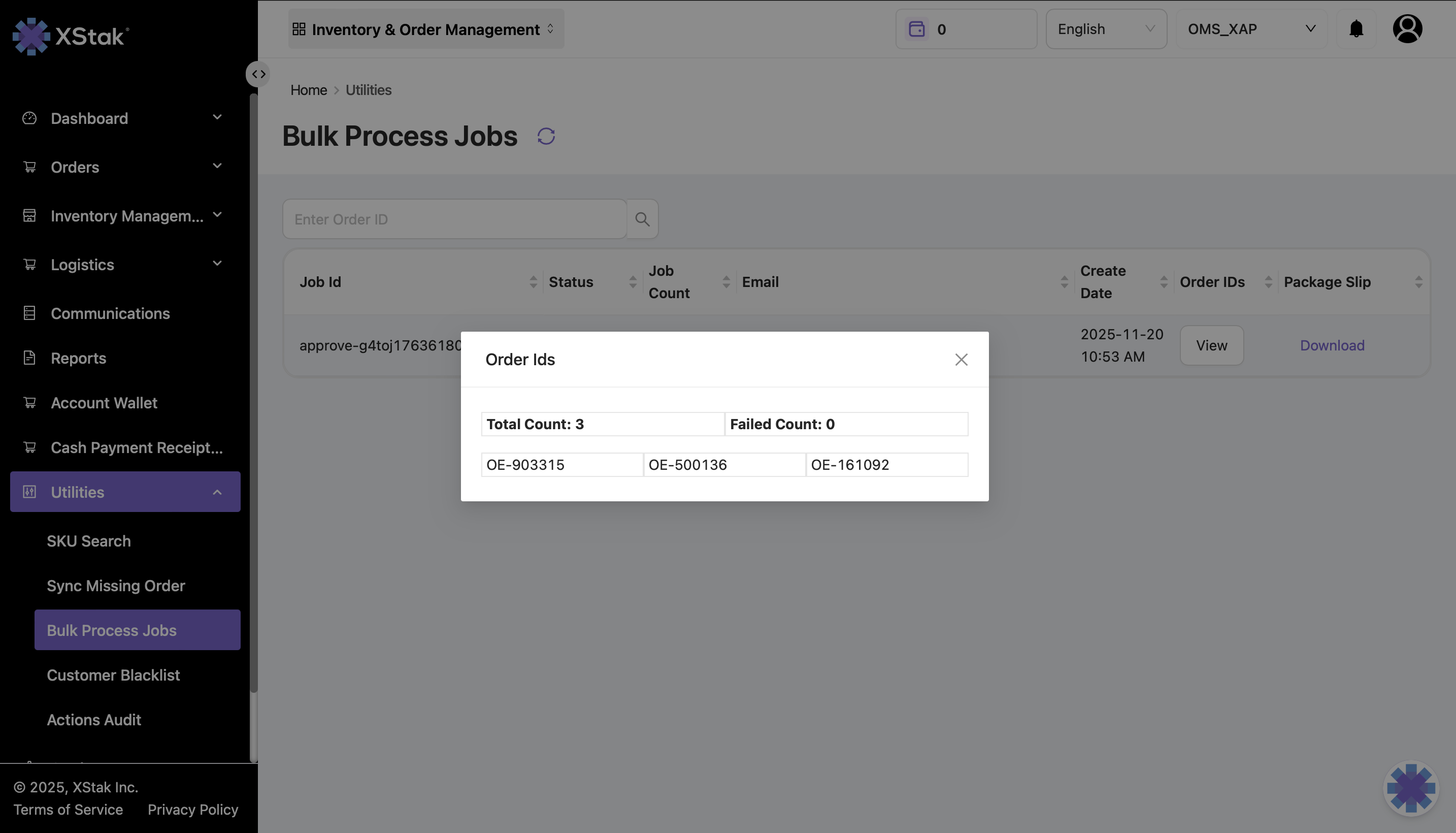
View Order IDs
To view all the order IDs included in a particular bulk job, click on the View button under the Order IDs column.
Download Details
A file containing complete details of all orders processed in the selected bulk job can be downloaded using the download button available under the Package Slip column.