
This submodule allows merchants to push consolidated inventory updates to webstores and other external sales channels. Once triggered, the system compiles inventory from all active locations and updates the selected channel with the latest available stock.
How to sync your sales channel
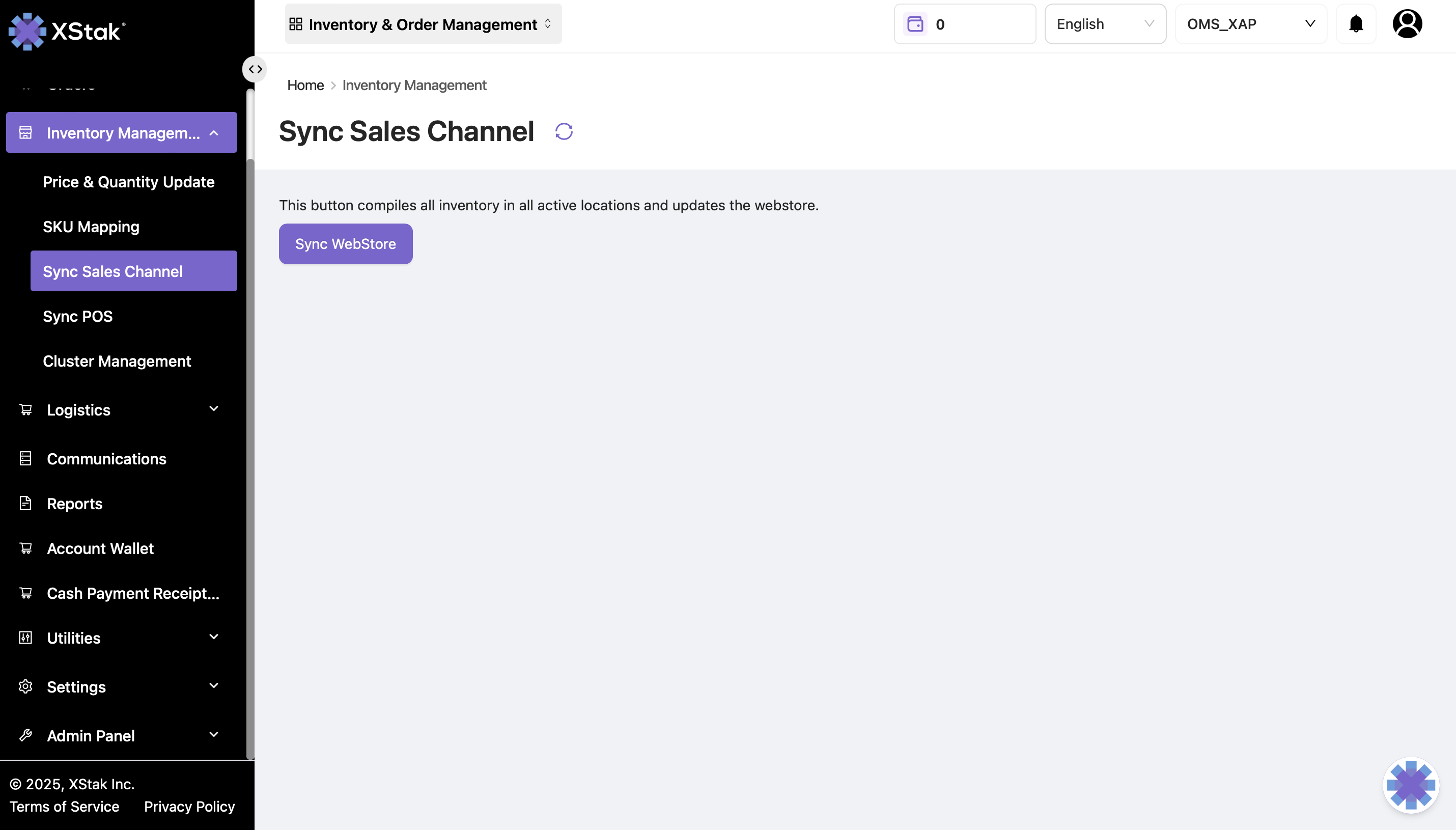
Initiate the Inventory Sync
-
Go to the Inventory tab.
-
Click Sync Sales Channel.
-
Select the relevant sales channel or webstore, if prompted.
-
Click the Sync Webstore button.
-
The system will compile inventory from all active locations and send the latest update to the selected channel.
Note: Before syncing, verify that inventory quantities are accurate across all active locations. The sync will push the consolidated stock count to the selected sales channel.