
Purpose: Barcode Verification
Explanation:
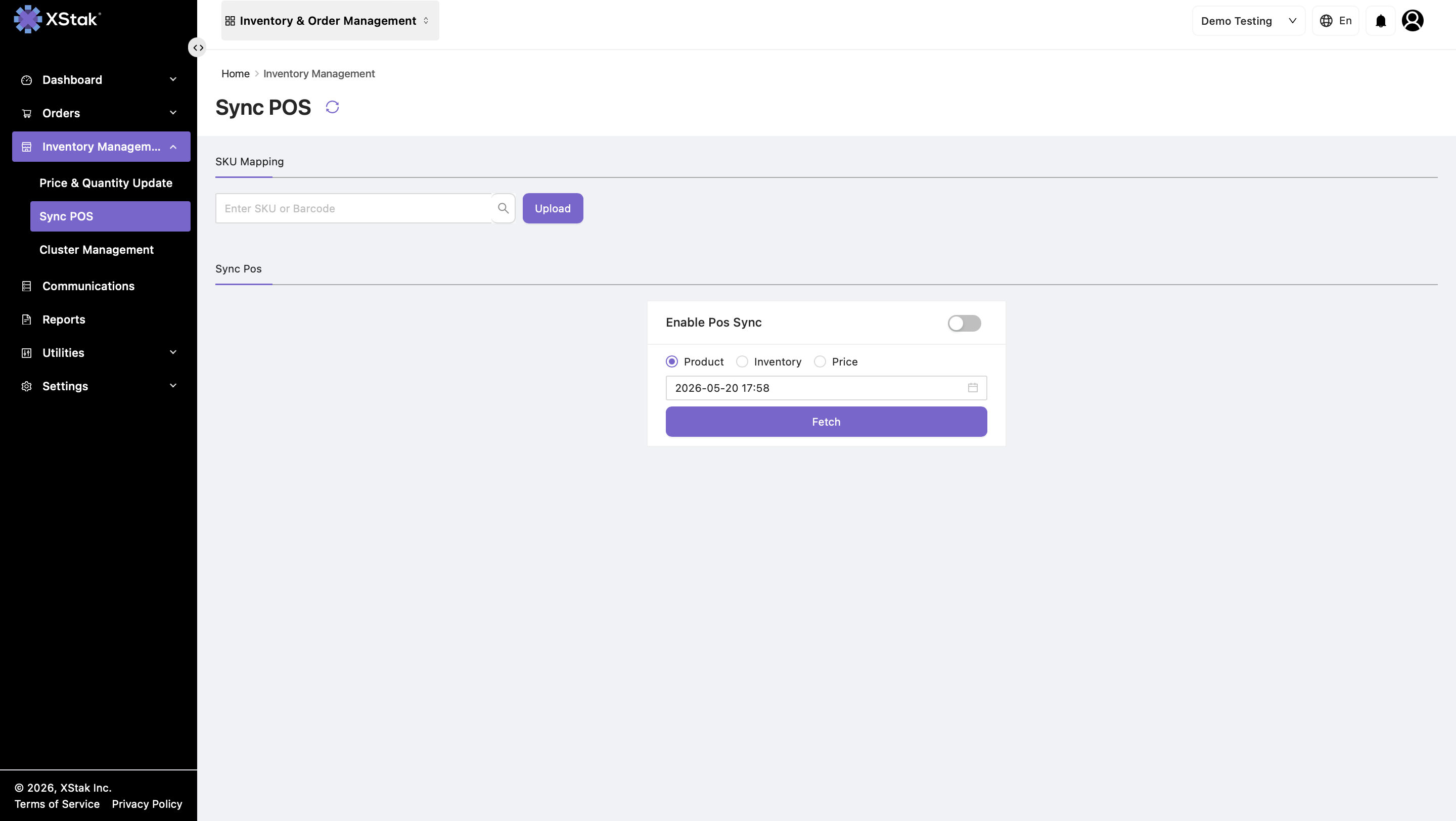
Brands that use POS systems like Technosis often receive products with barcoded SKUs. The SKU Mapping module helps verify which barcode is associated with each SKU, ensuring accurate identification across inventory and POS workflows.
-
Use the Upload option to add or update barcode mappings.
-
Upload a file containing SKU and barcode pairs to add new mappings or correct existing ones.
-
Review the uploaded file before submission to ensure each barcode is linked to the correct SKU.
This ensures the correct SKU is linked with the correct barcode before inventory synchronization or POS updates are processed.
Required File Structure
|
SKU |
Barcode |
|---|---|
|
SKU-001 |
8901234500012 |
|
SKU-002 |
8901234500029 |
|
SKU-003 |
8901234500036 |
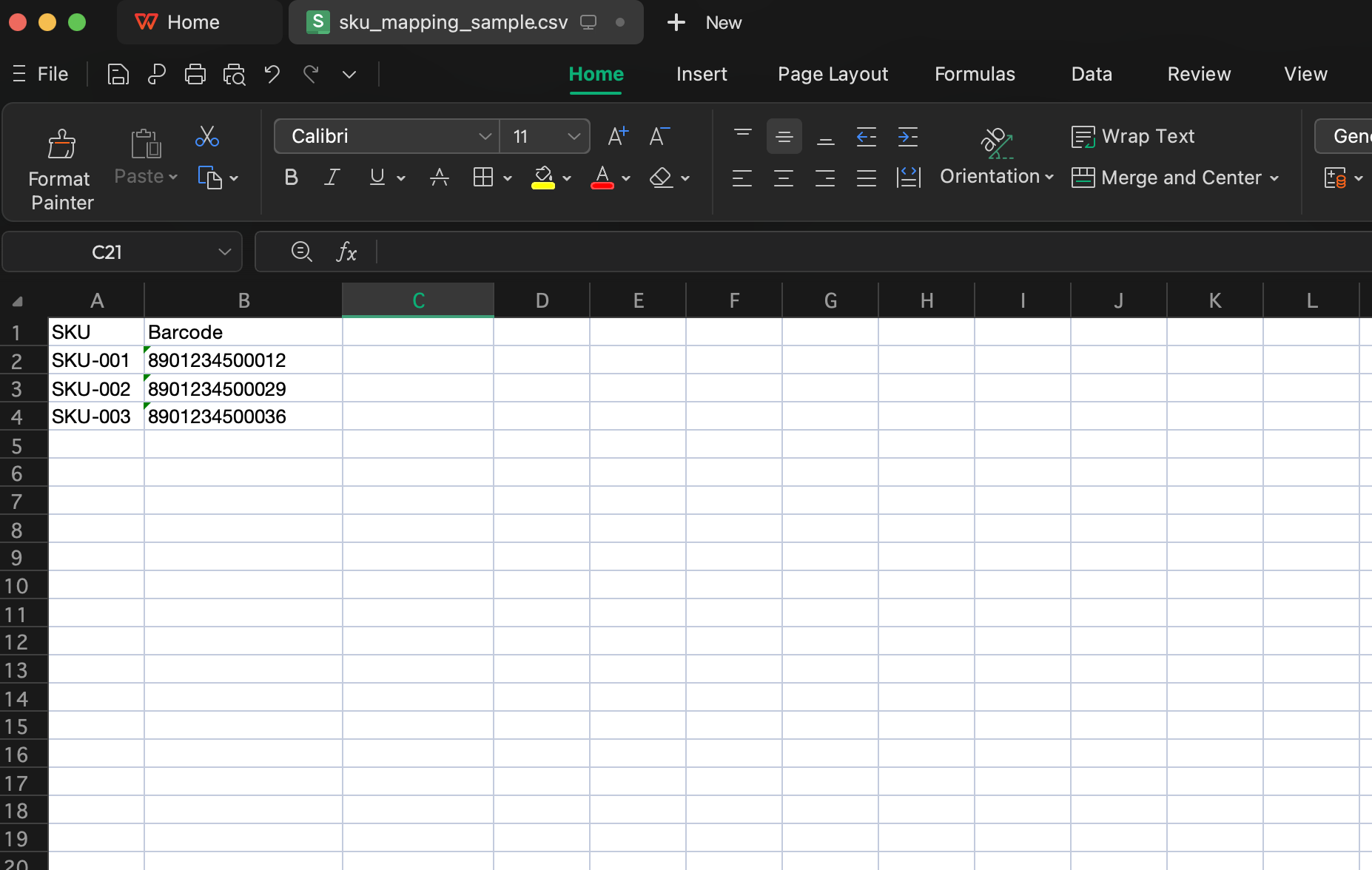
Note: Ensure the uploaded file follows the required SKU and Barcode column format. Incorrect or duplicate mappings may cause inventory or POS synchronization issues.