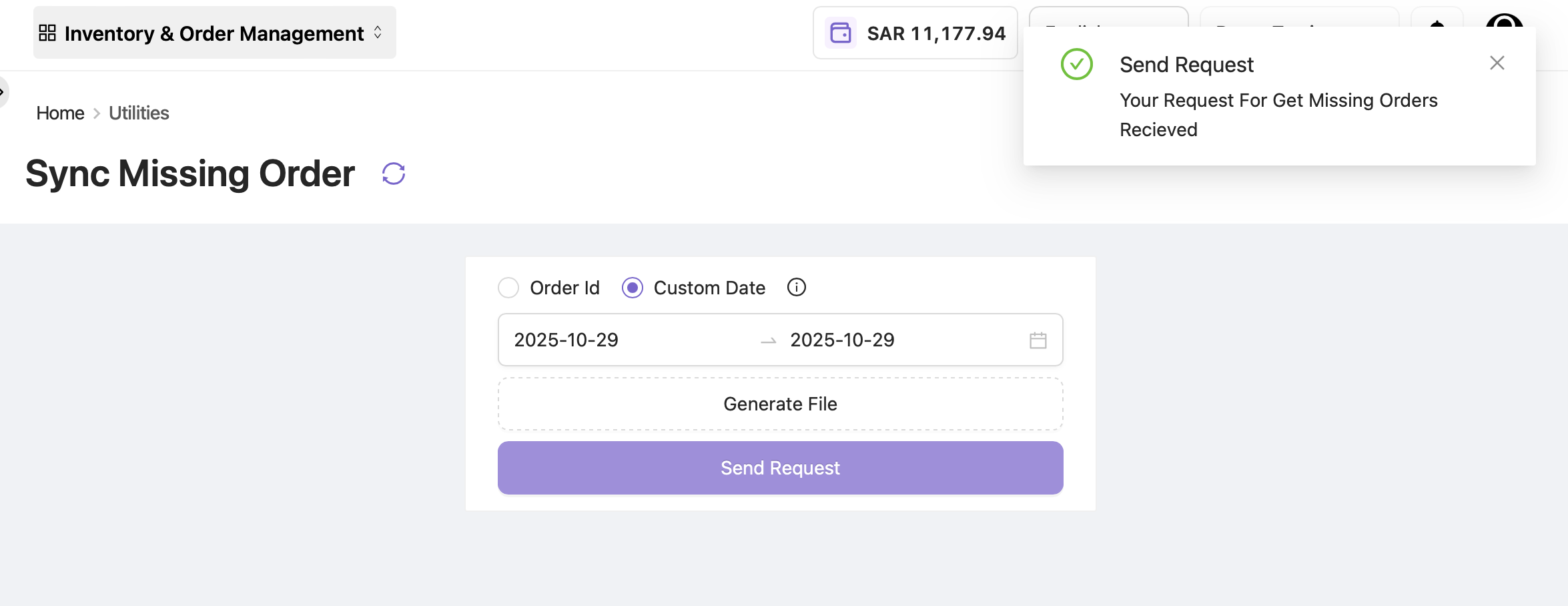
Sync Missing Order
In rare cases, like API throttle malfunction, a few orders may fail to fall into OE and hence can’t be managed, processed, or fulfilled on time. In layman’s terms, these orders are “missed.” The Sync Missing Order tab helps collect these missed orders and bring them into OE.
By default, a scheduler in OE runs every hour, collects all missed orders (if any), and adds them into OE for fulfillment. However, if the brand wants to check or fetch orders within a specific time frame, the Sync Missing Order functionality is useful.
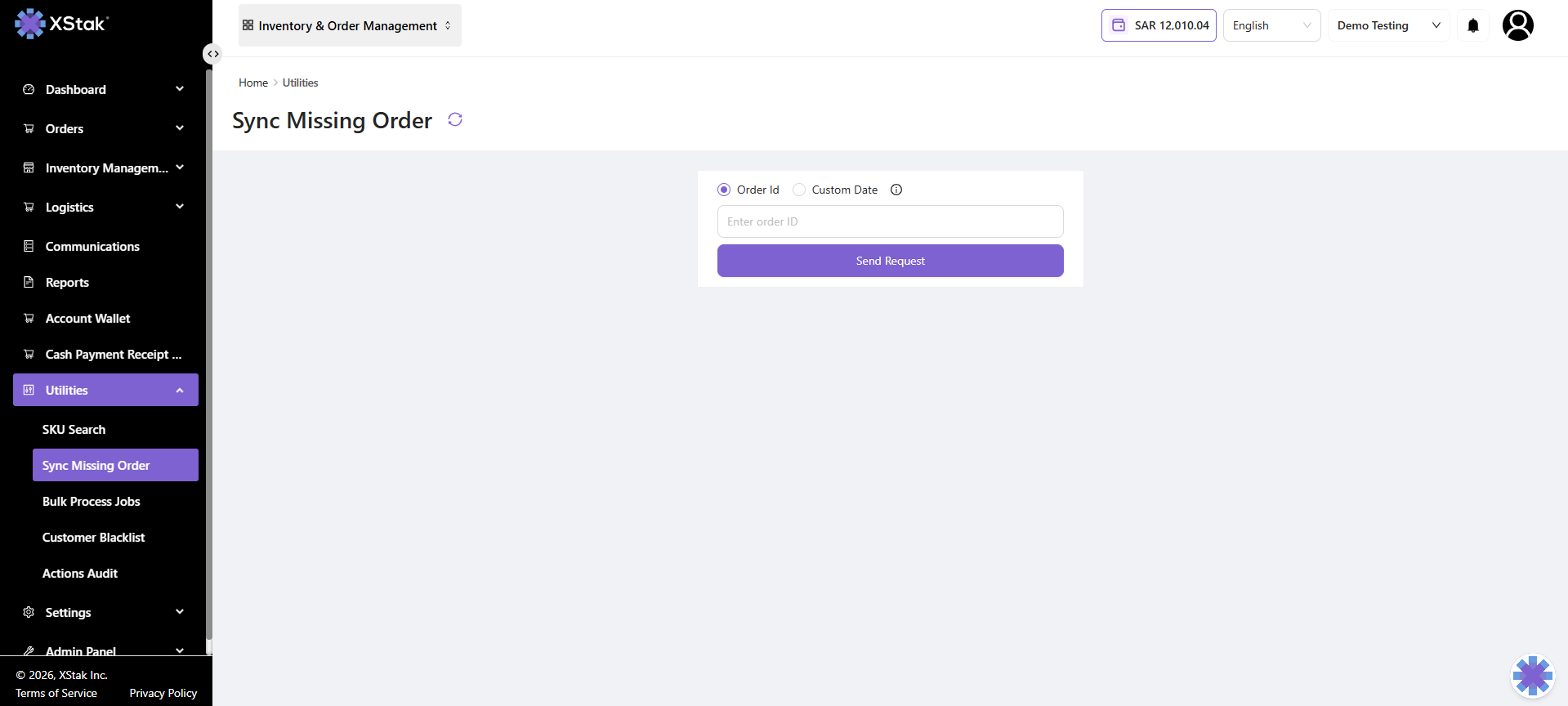
Search Missed Orders
You can search orders in two ways:
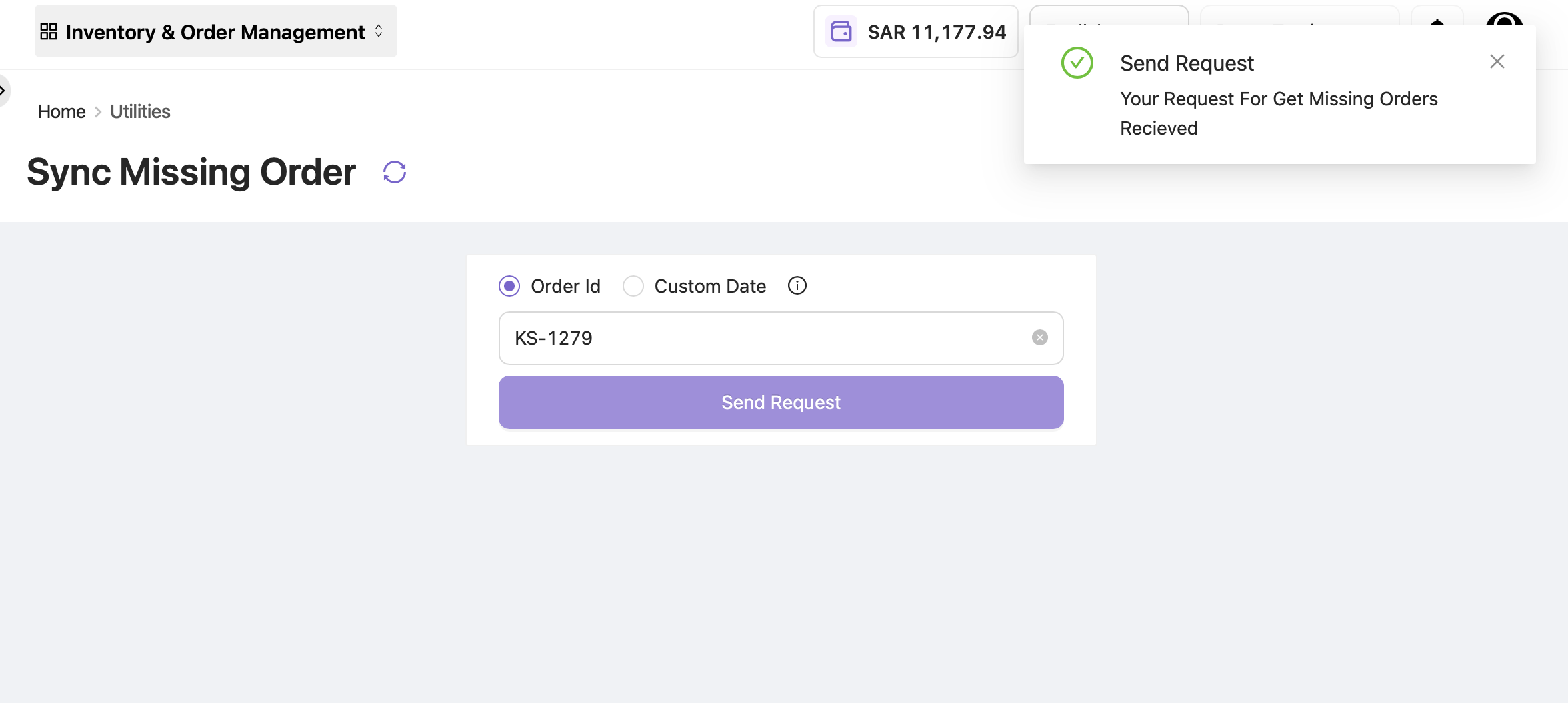
By Order ID
Click on Order ID and select Send Request.
The order will be fetched in OE if it was missed for any reason.
By Custom Date
Click Custom Date and select your desired date limits.
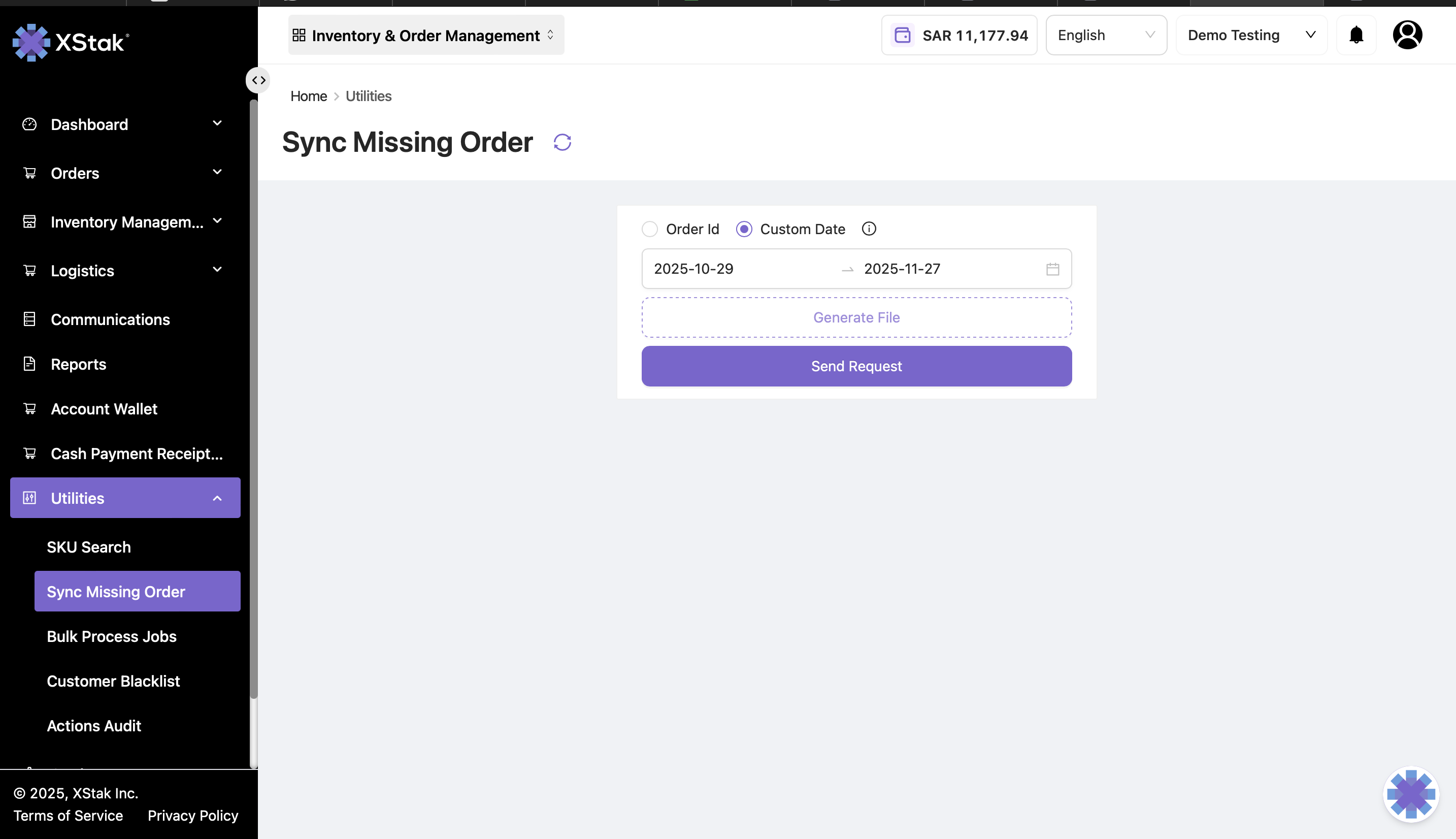
Click Generate File to see failed orders.
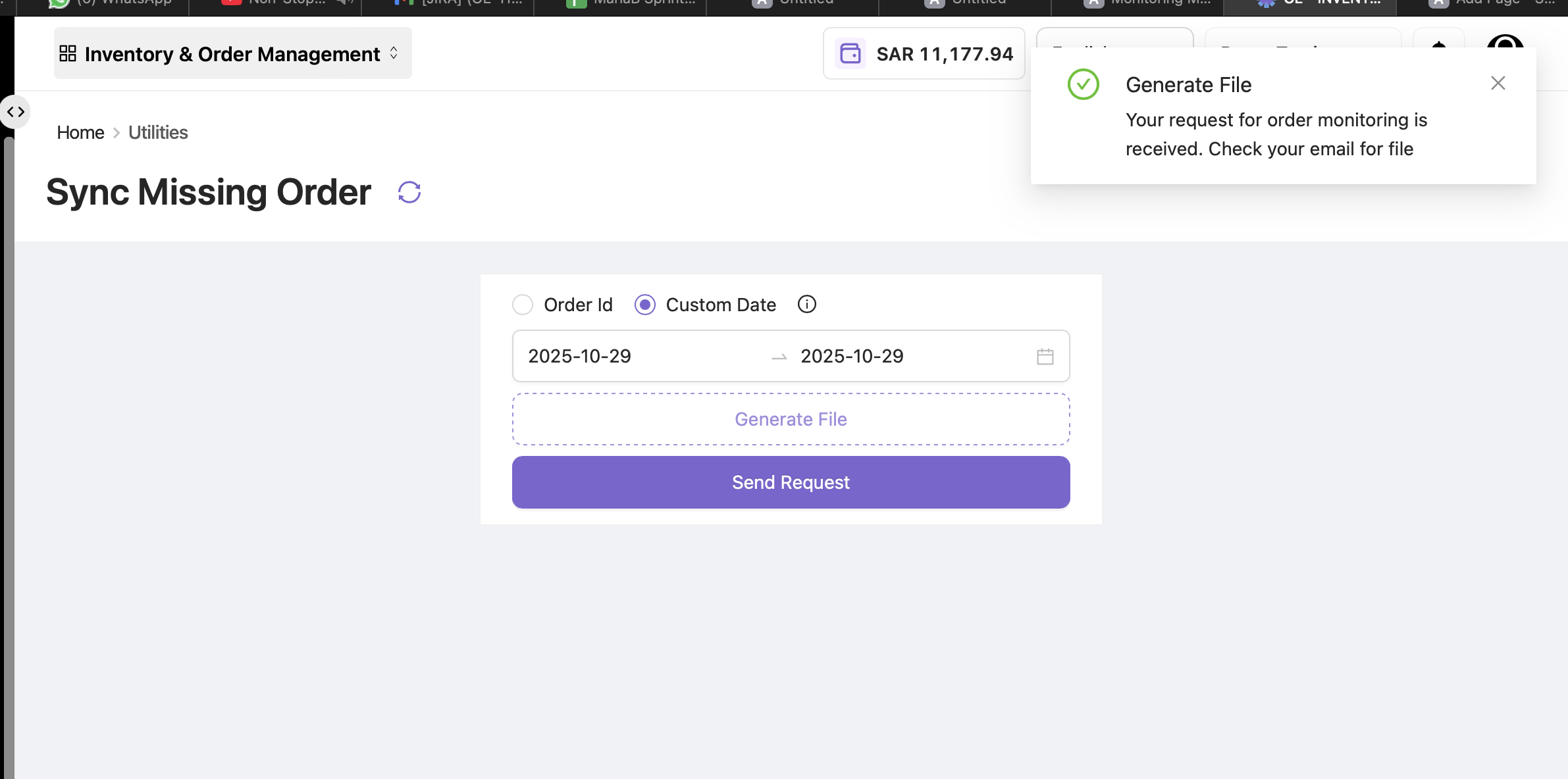
Click Send Request to fetch the missed orders.
A pop-up will appear confirming that the user’s request is received.