Bulk Process Job
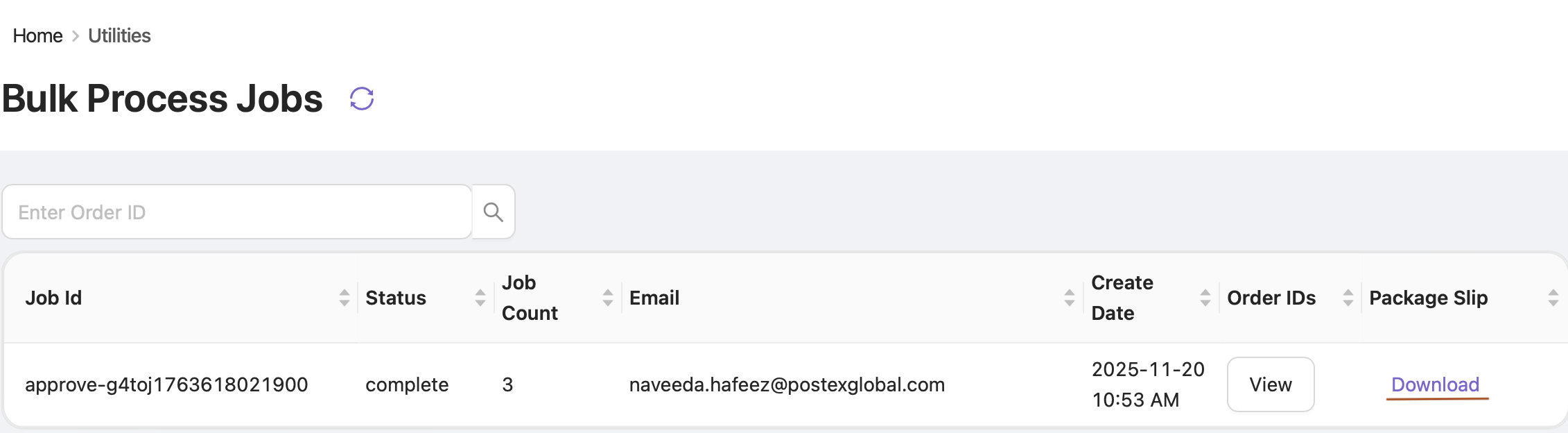
The Bulk Process Jobs segment allows you to view and track all bulk operations performed in OE, including Verifying, Cancelling, Assigning, and Booking orders.
How to Access
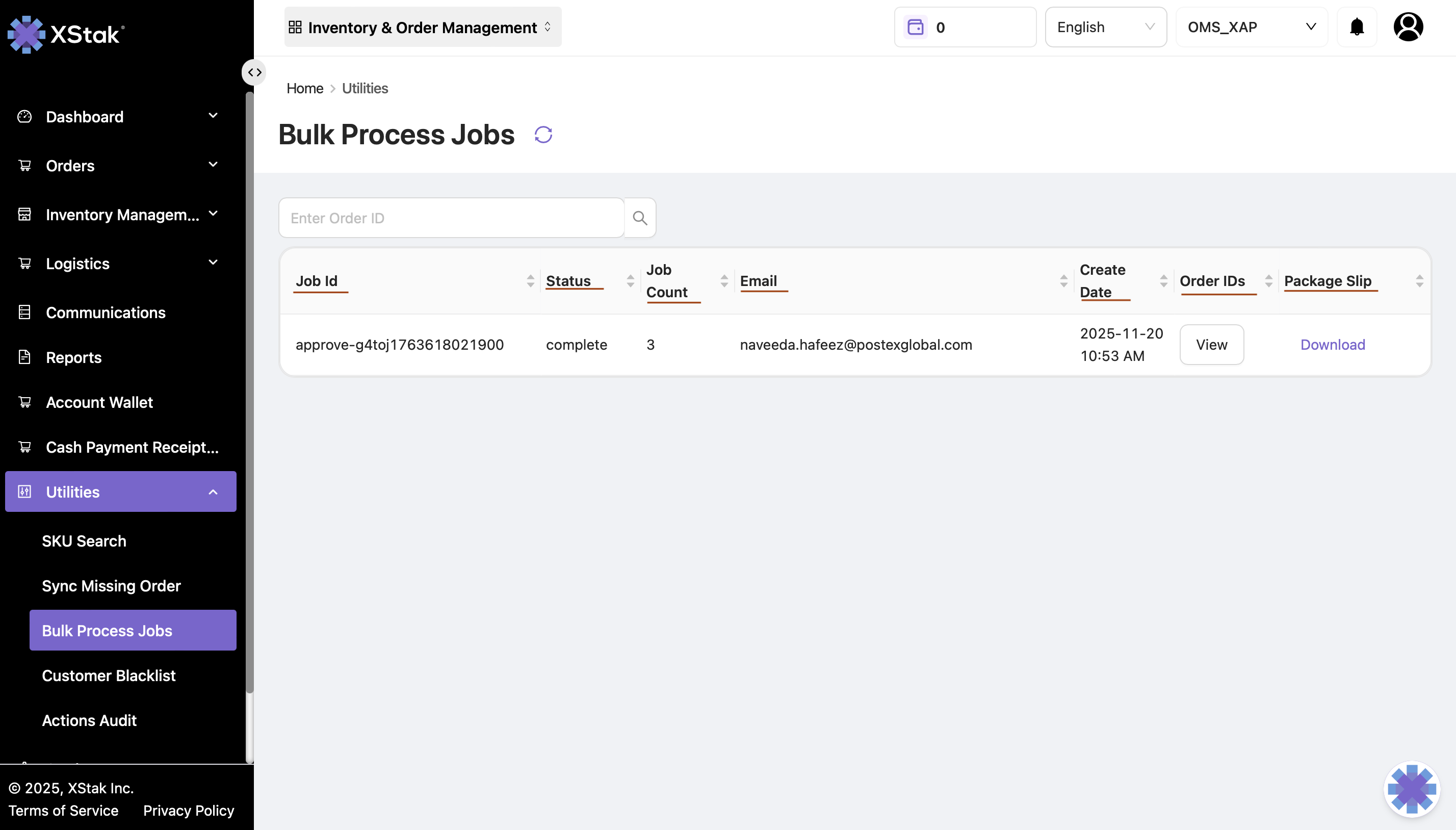
Click on the Utilities module in the sidebar.
Select Bulk Process Jobs from the dropdown.
In this section, you can see a detailed list of all bulk jobs executed. Each job is displayed with complete information, including:
Job ID – Unique identifier assigned to each bulk job.
Status – Indicates whether the job has been completed or is still in progress.
Job Count – Total number of orders processed in that specific job.
Email – Shows the email address of the user who initiated the job.
Create Date – The date on which the job was executed.
Search Jobs
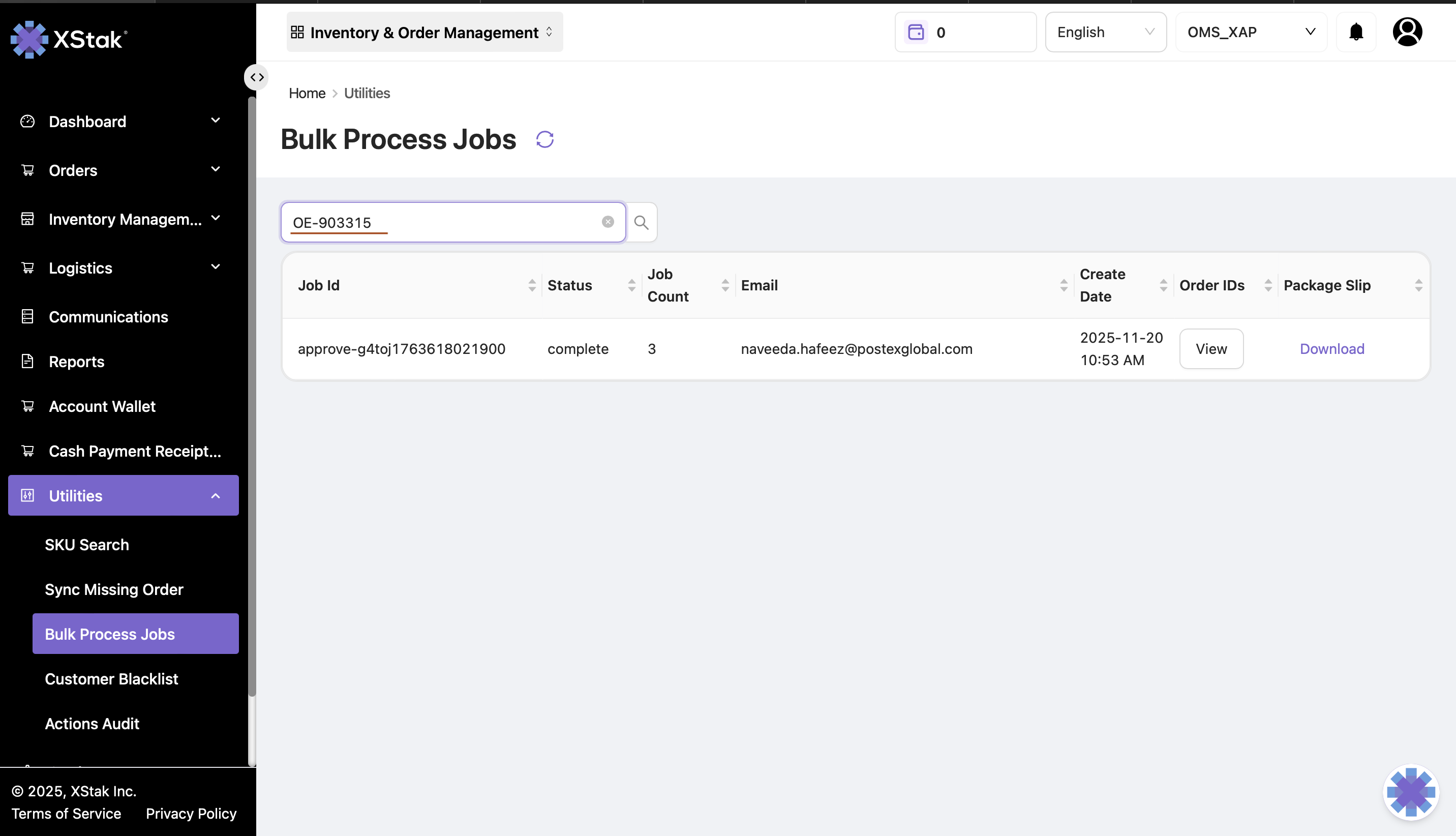
You can search for a specific job by entering an Order ID in the search bar.
View Order IDs
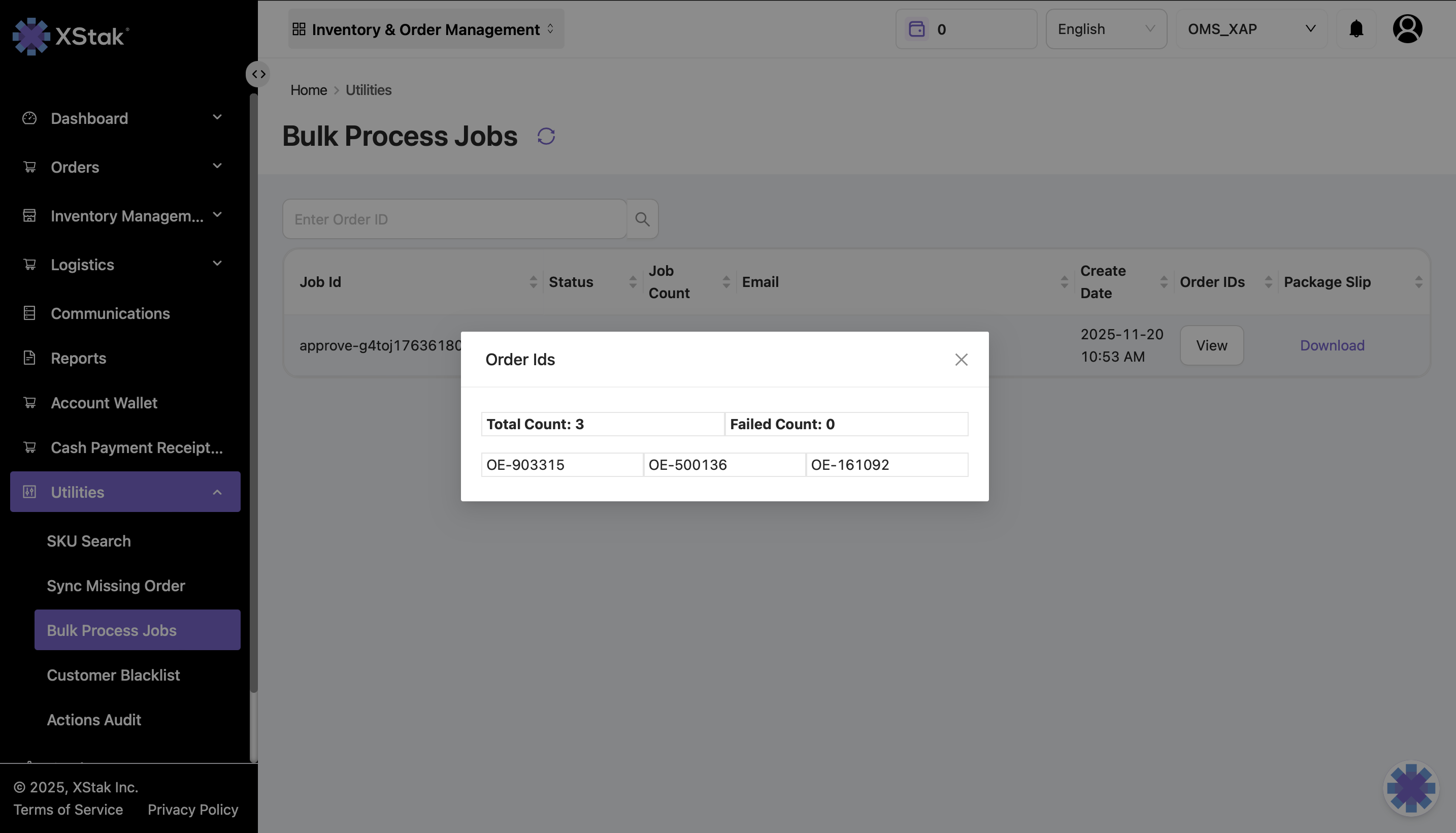
To view all the order IDs included in a particular bulk job, click on the View button under the Order IDs column.
Download Details
A file containing complete details of all orders processed in the selected bulk job can be downloaded using the download button available under the Package Slip column.