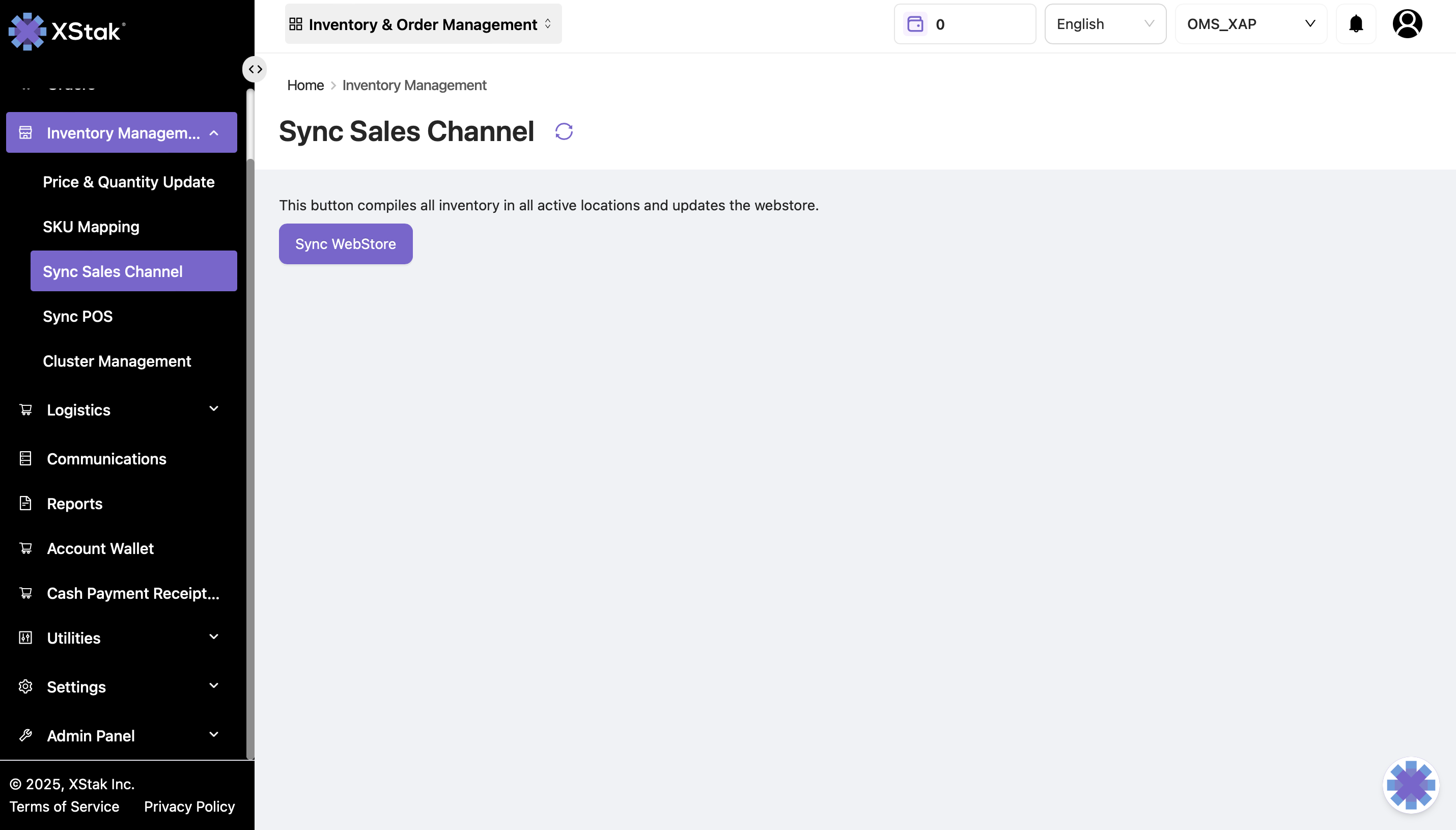
Sync Sales Channel
This submodule allows merchants to push consolidated inventory updates to webstores or external sales channels. Once triggered, the system compiles inventory from all active locations and updates the selected channel.
How to sync your sales channel:
Initiate the Inventory Sync
Go to the Inventory tab
Click on Sync Sales Channel
Click the Sync Webstore button
The system will compile inventory from all active locations and send the update to the webstore