Reports Module
The Reports Module in the OMS provides a comprehensive set of downloadable reports that support operational visibility, financial tracking, reconciliation, and performance analysis. Each report is filterable based on locations, date ranges, and various business parameters, and most reports are delivered directly to the user's email in Excel format.
This document provides a complete overview of each reporting category, its purpose, and detailed step-by-step instructions for generating reports.
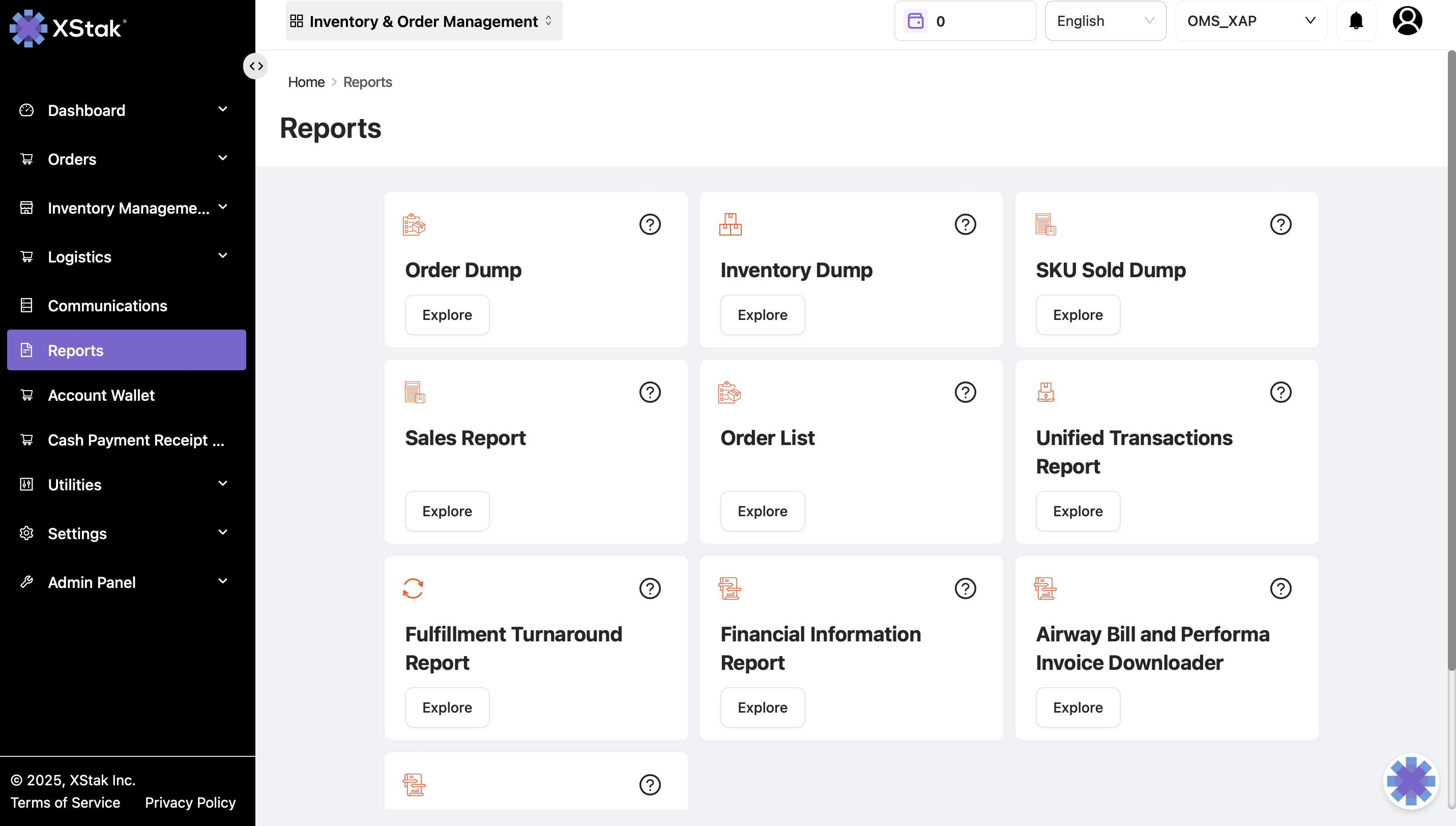
Overview of the Reports Module
The Reports Module centralizes all reporting tools required for business operations, including:
Order-level reporting
Inventory-level reporting
Sales performance reporting
Courier and dispatch reports
Reconciliation with FBR
Financial and turnaround reports
Specialized operational downloads such as AWB, performa invoice, loadsheet, and SKU sold information
Each report is available with customizable filters to help users extract the exact dataset they need.
1. Order Dump Report
Purpose
The Order Dump Report provides a complete breakdown of all orders created or transacted within a selected date range. It includes order-level attributes such as SKUs, customer information, tag data, status, and payment method for operational analysis and reconciliation.
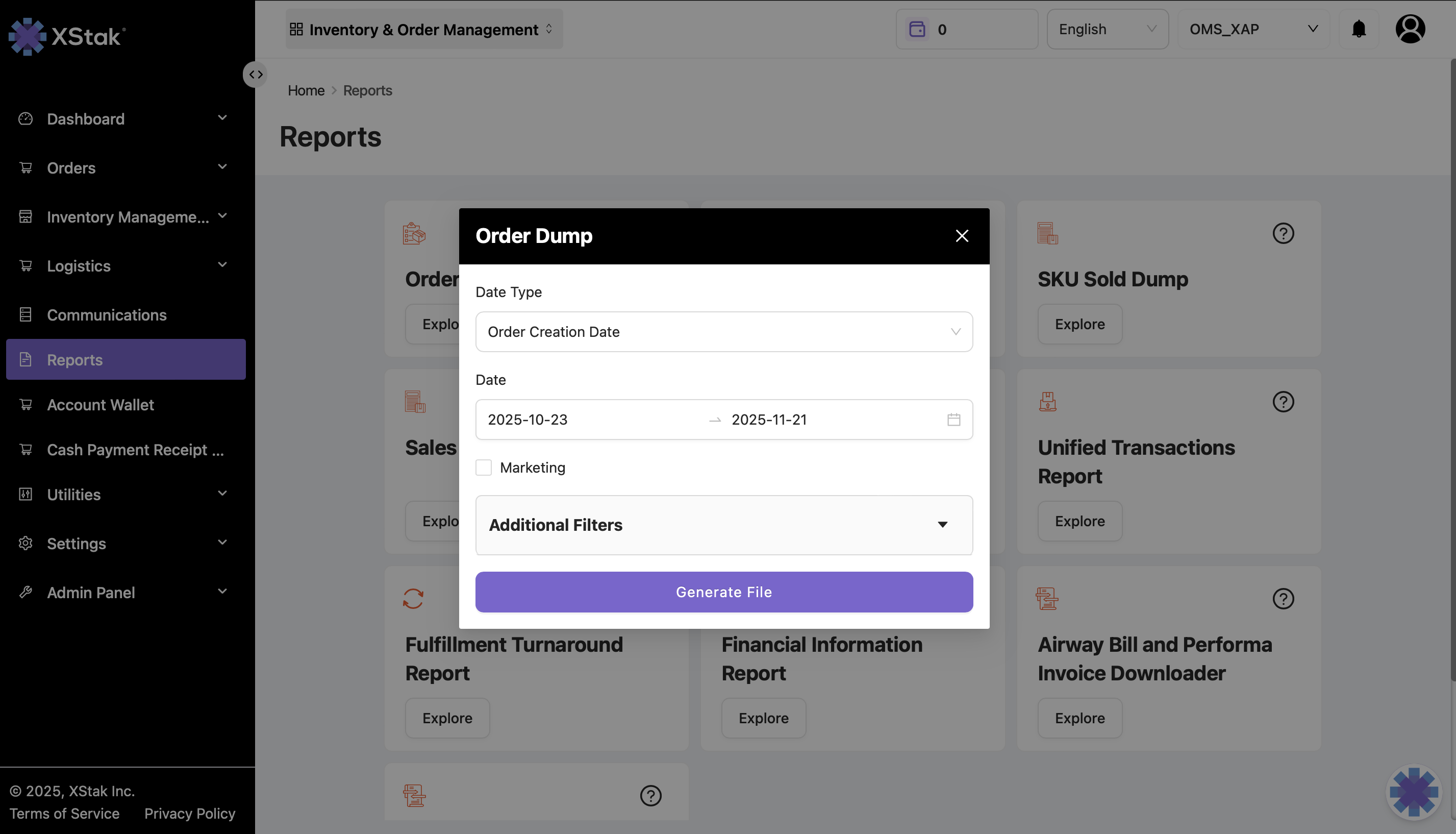
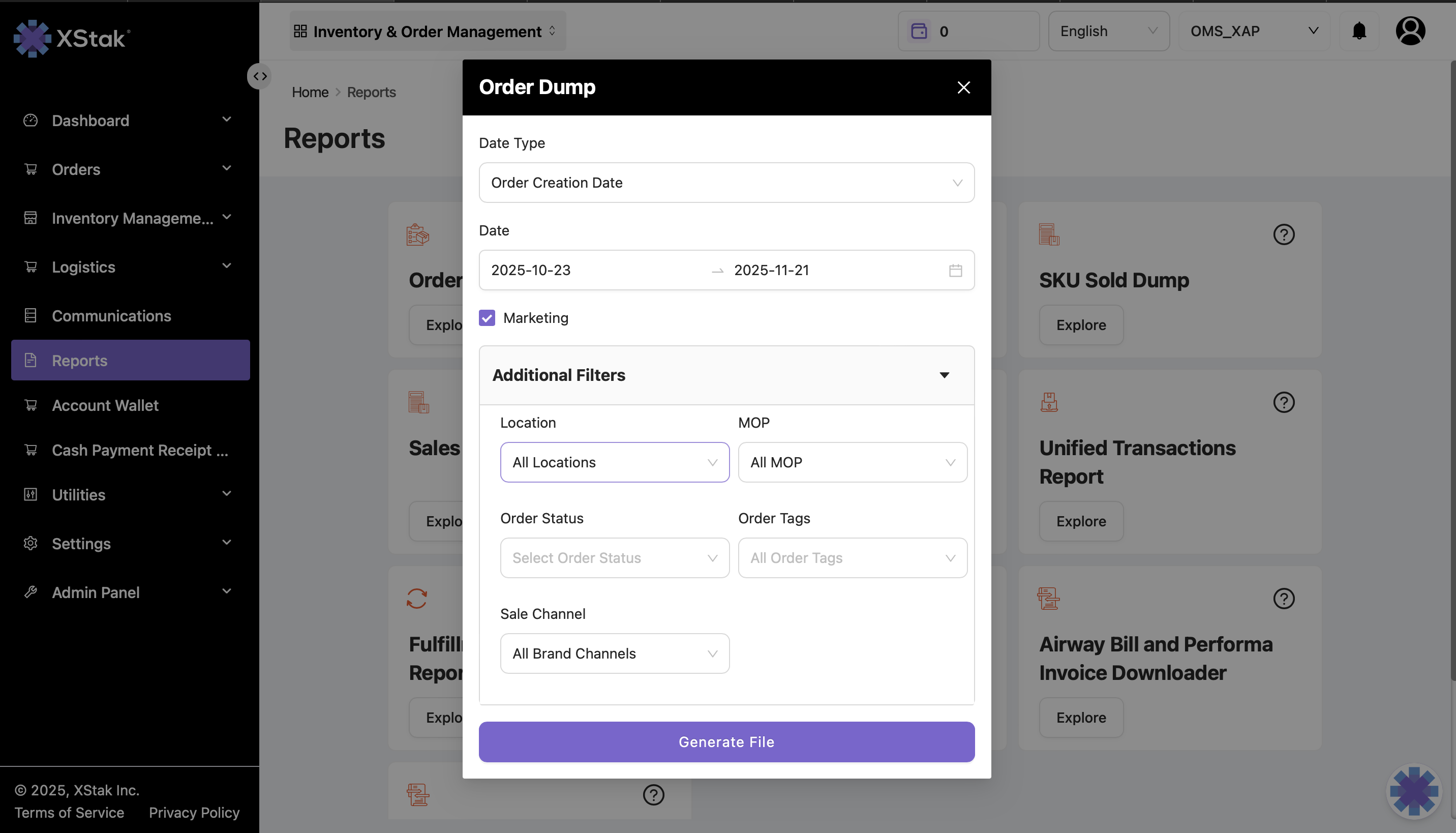
Key Filters Available
Date Type:
Order Creation Date
Transaction Date
Date Range Selector
Location Filter
Mode of Payment (MOP)
Order Status
Order Tags
Sales Channel
Marketing Check: Removes extra spaces in file formatting
How to Generate Order Dump
Click on the Reports module from the sidebar.
Locate the Order Dump section.
Select whether you want to generate the report based on Creation Date or Transaction Date.
Click inside the Date Range bar and select your desired date limits.
Apply additional filters as required.
Click Generate File.
A confirmation pop-up will appear informing you that your report will be emailed within 2–3 minutes depending on data size.
Check your email for the downloaded Excel file. If not visible, check your spam folder.
2. Inventory Dump Report
Purpose
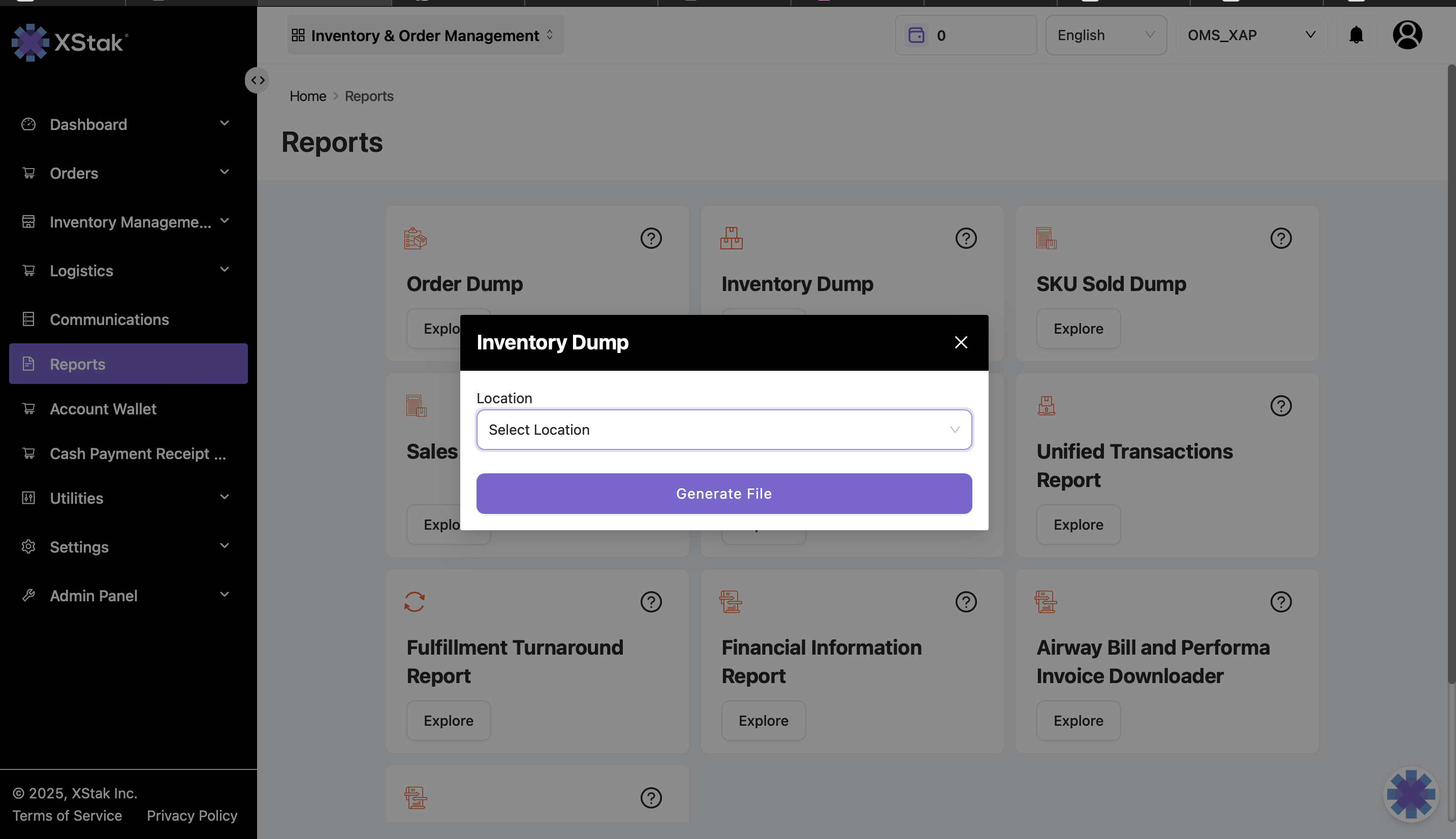
The Inventory Dump provides a snapshot of the inventory state across selected locations. It helps in reviewing stock levels, visibility, and availability.
Filters Available
Location selector
SKU-specific filters depending on setup
How to Generate Inventory Dump
Navigate to the Reports module.
Select Inventory Dump.
Choose the specific locations for which the inventory data is required.
Click Generate File.
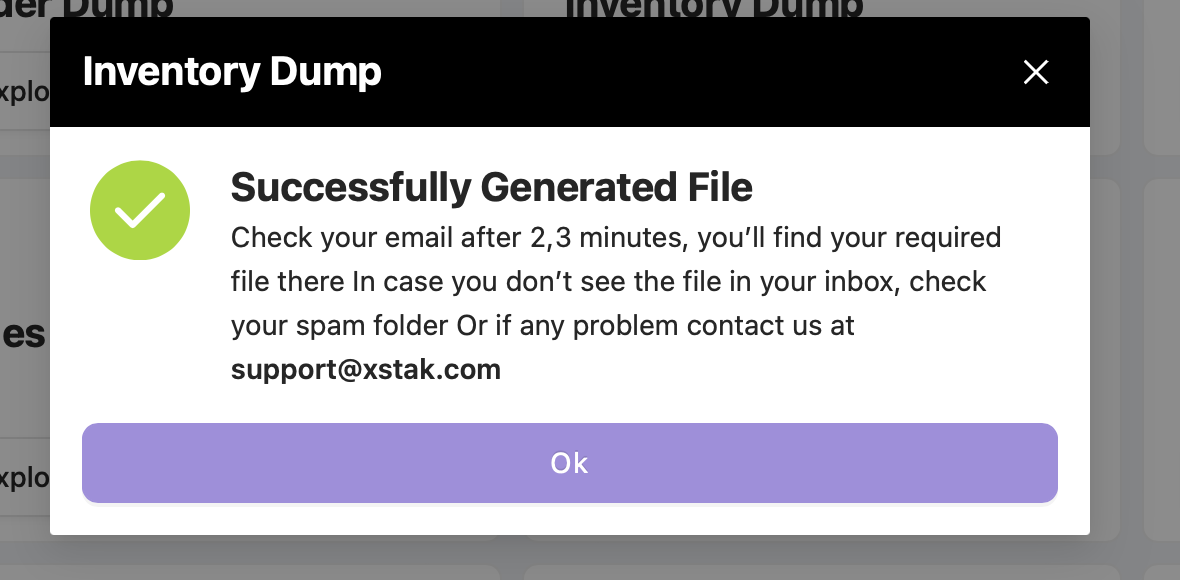
The report will be delivered to your registered email address.
3. SKU Sold Dump
Purpose
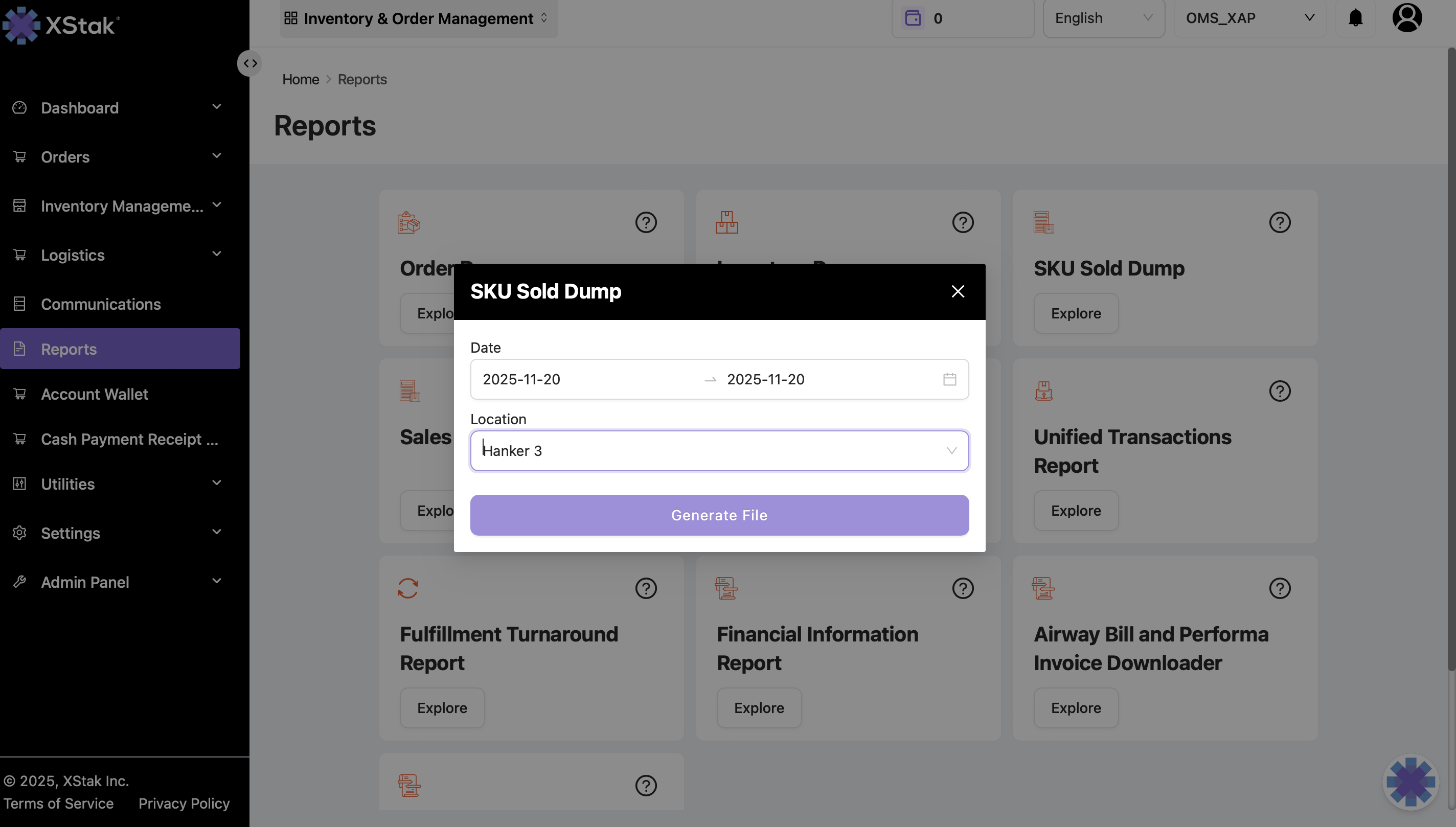
SKU Sold Dump gives detailed insight into SKUs sold across locations within a specified date range. It helps in analyzing product performance and movement.
How to Generate SKU Sold Dump
Open the Reports module.
Click on SKU Sold Dump.
Click on the Explore button.
Select the Date Range for which you want SKU sales data.
Select Location or which you want SKU sales data
Click Generate File.
A pop-up will confirm that the report will be emailed within 2–3 minutes.
Download the file from your inbox.
4. Sales Report
Purpose
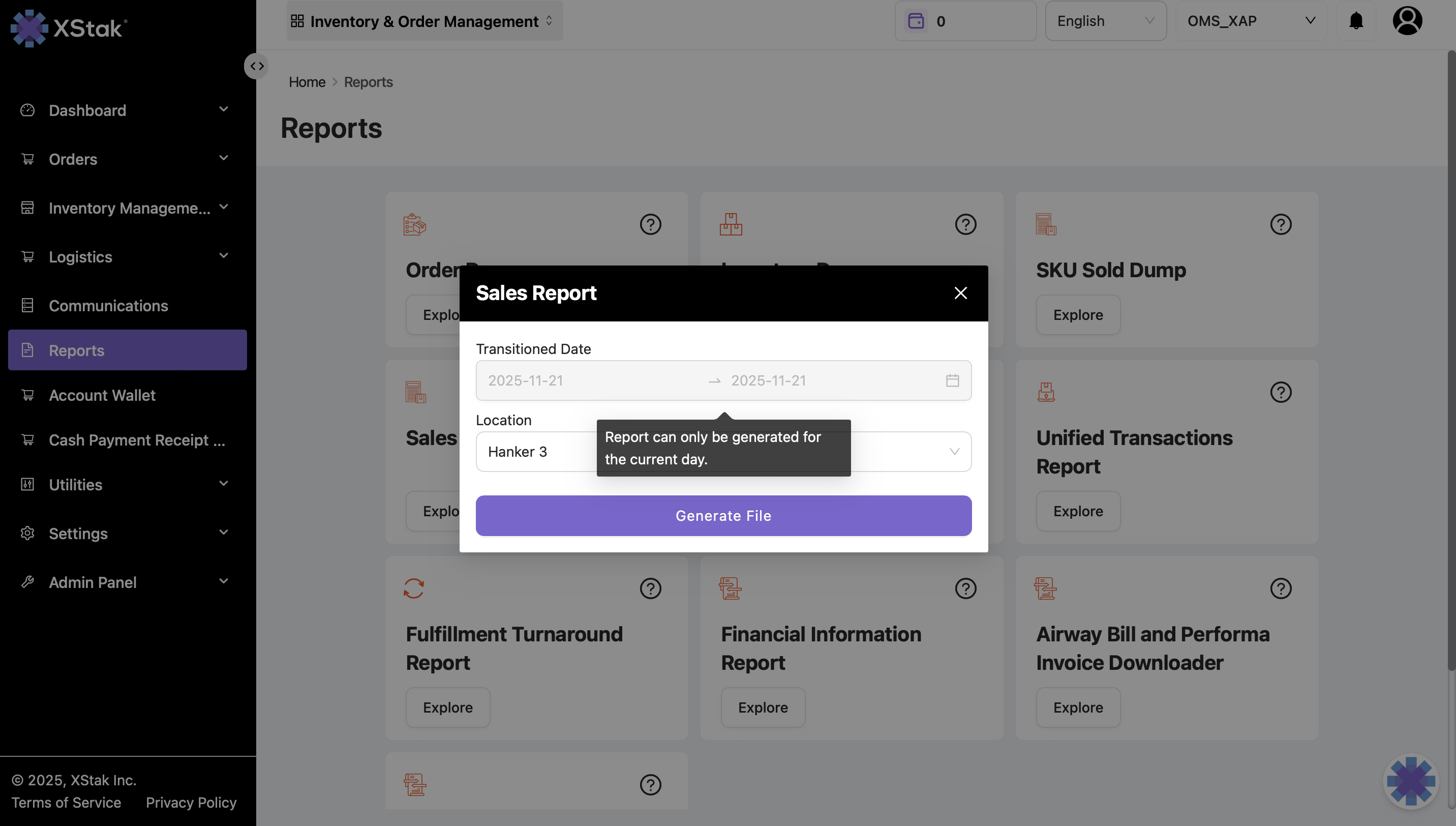
The Sales Report provides transactional sales data based on the transaction date across selected locations. It is used for revenue analysis and sales monitoring.
How to Generate Sales Report
Go to the Reports module.
Select Sales Report.
Click Explore.
Use the Location Filter for specific or all locations.
Click Generate File.
5. Order List Report
Purpose
Provides a concise list of orders based on specific filters. Used for operational monitoring and audit checks.
How to Generate
Go to Reports.
Select Order List.
Apply required filters.
Click Generate.
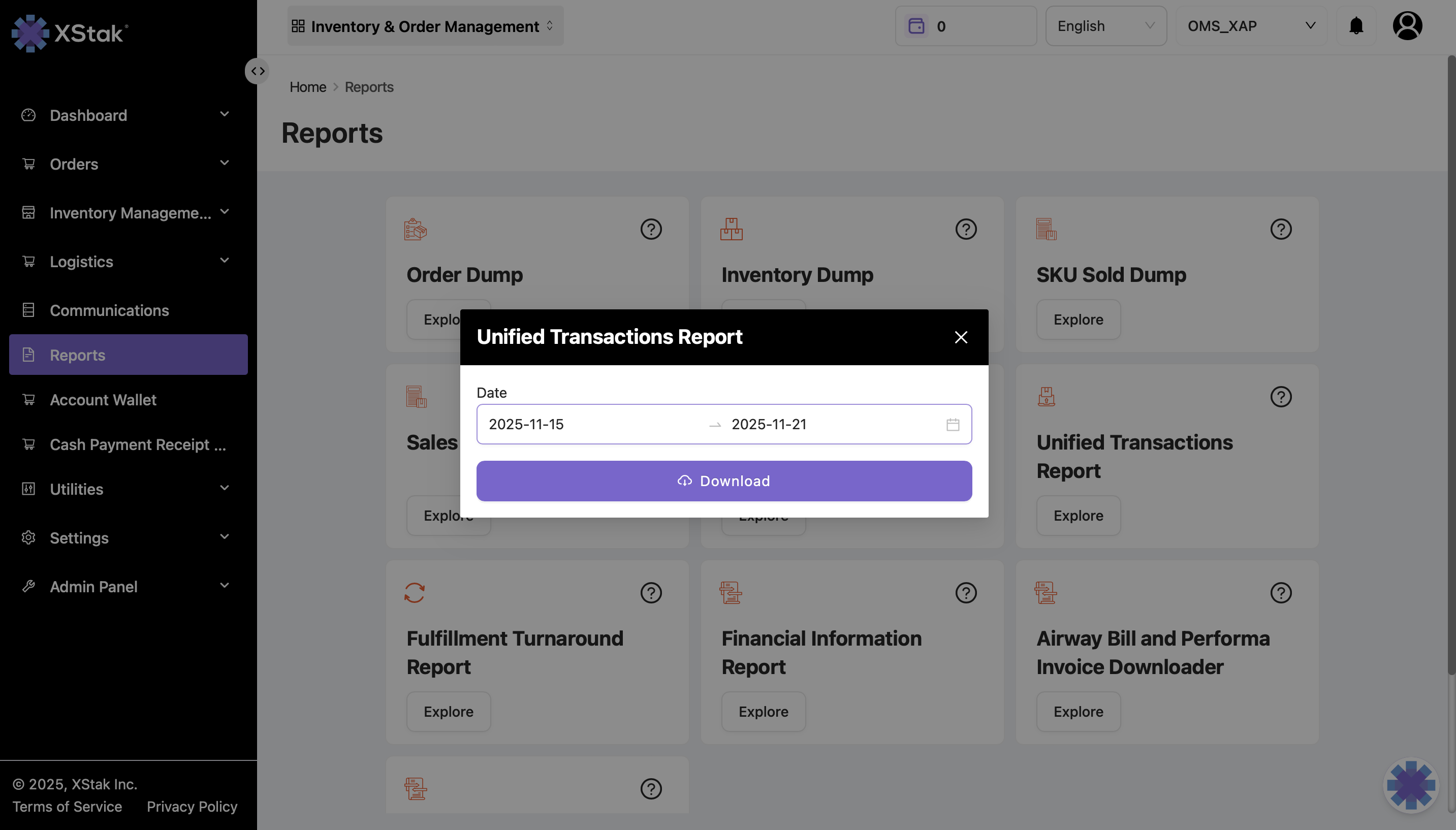
6.Unified Transaction Report
Purpose
This report consolidates transaction details from multiple sources for unified reconciliation.
How to Generate
Go to Reports.
Open Unified Transaction Report.
Apply date range .
Generate the file.
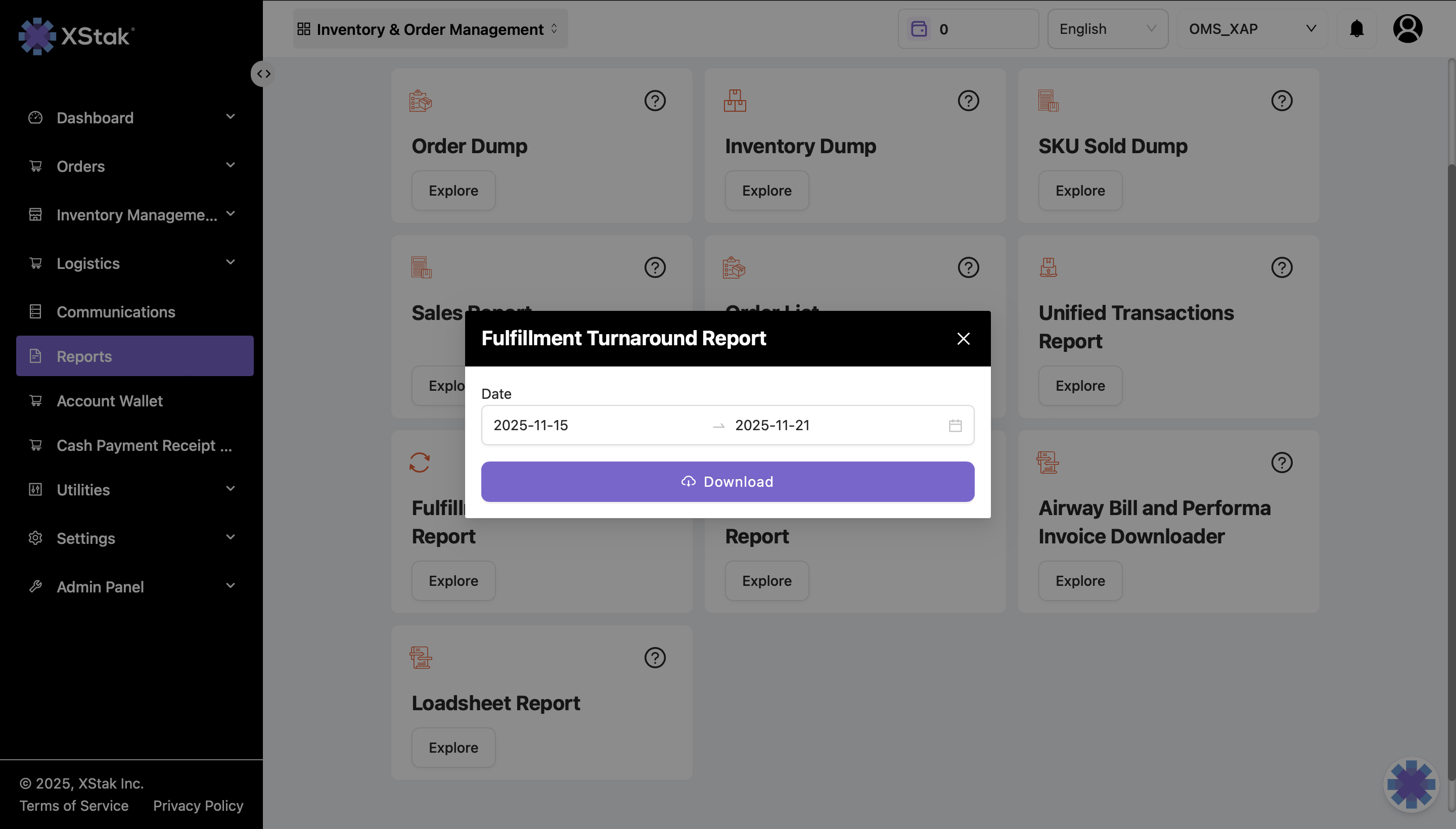
7. Fulfillment Turnaround Report
Purpose
Analyzes the time taken between order creation, booking, dispatch, and delivery for operational efficiency tracking.
How to Generate
Navigate to Reports → Fulfillment Turnaround Report.
Select the date range.
Generate the file.
8. Financial Information Report
Purpose
Consolidates financial data related to orders, COD amounts, reconciliation details, and other monetary records.
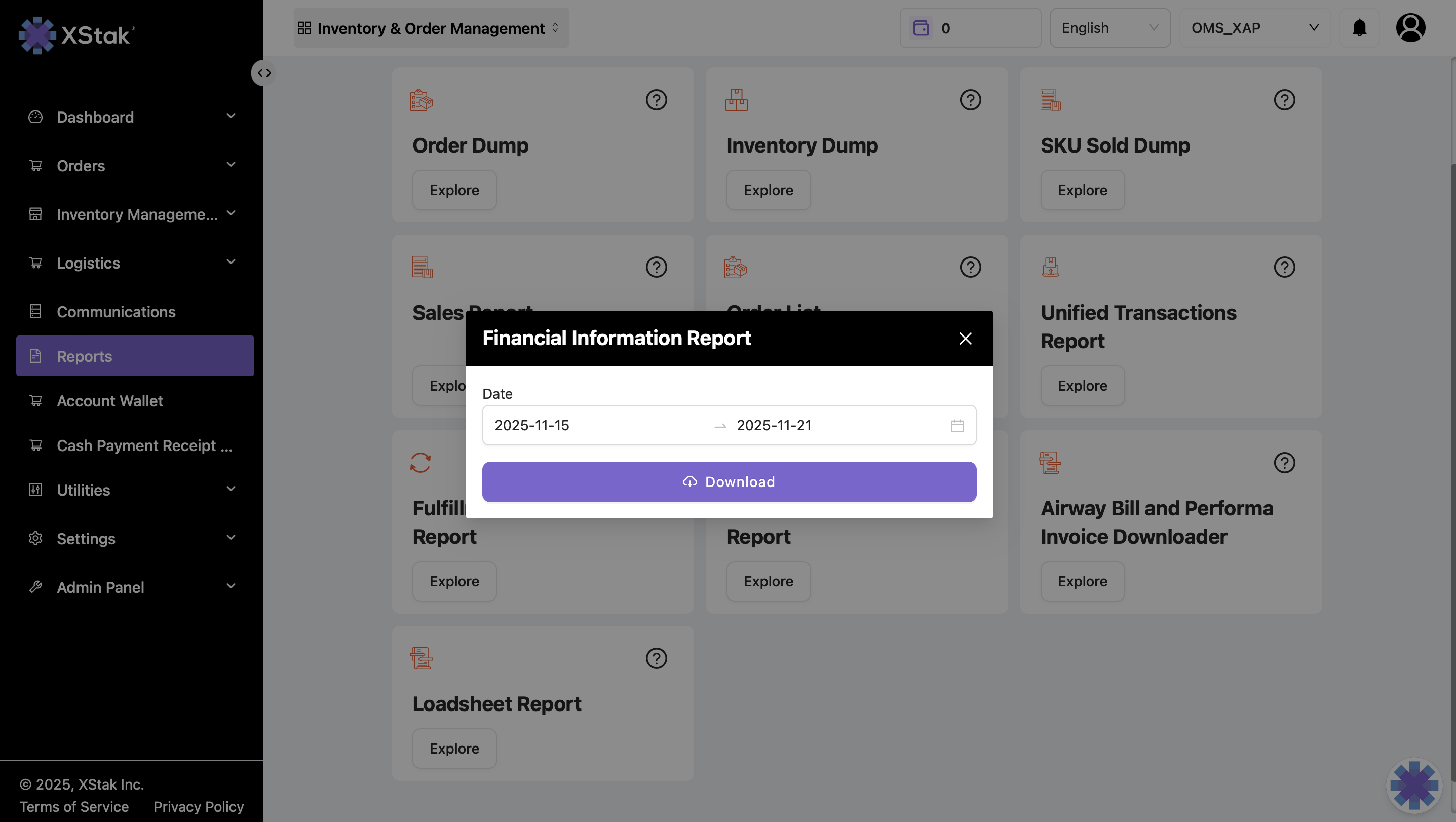
How to Generate
Open Reports → Financial Information Report.
Select date range, locations, and filters.
Generate file.
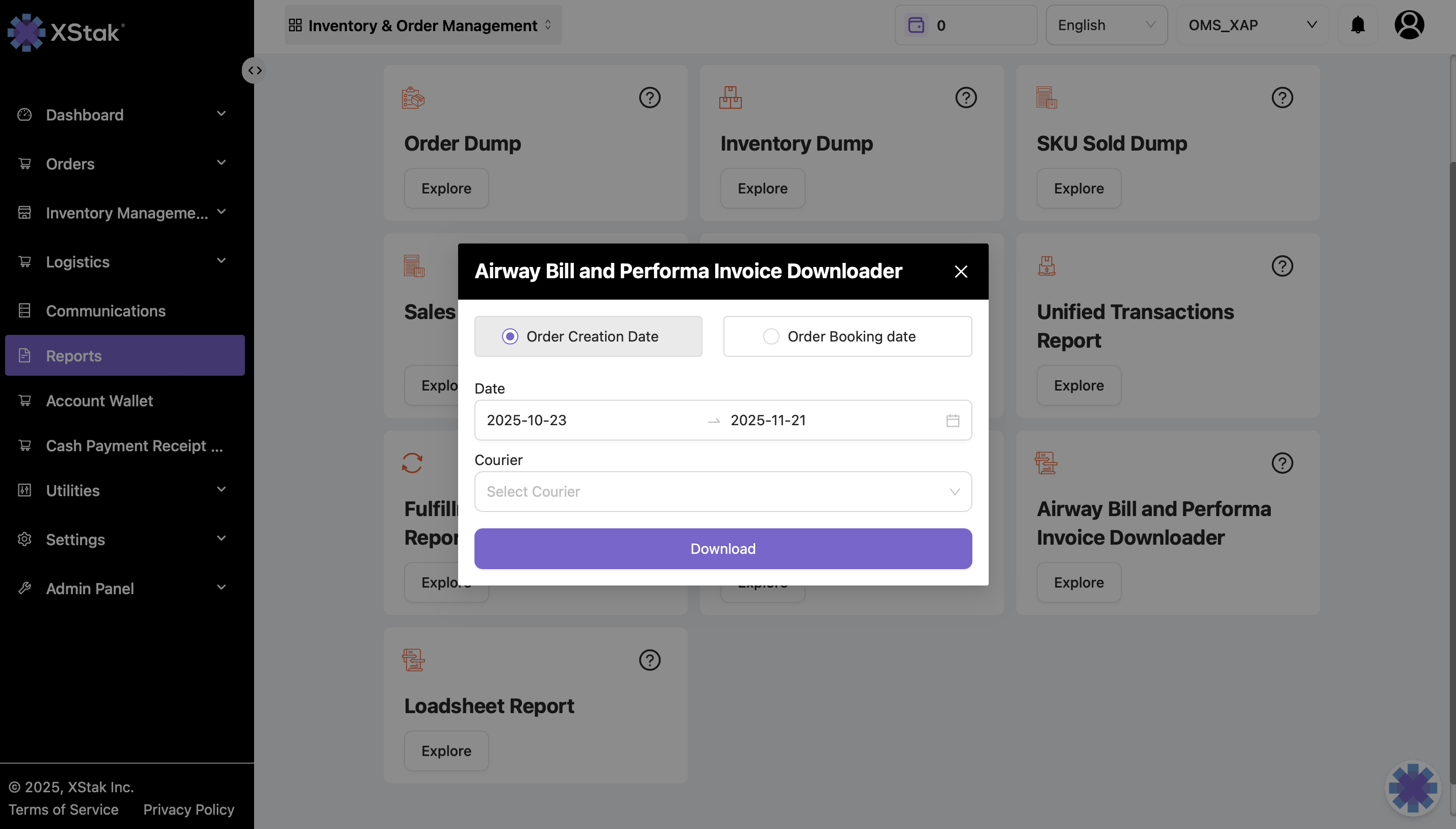
9. Airway Bill and Performa Invoice Downloader
Purpose
Allows downloading:
Airway Bills
Performa Invoices
Used for printing and shipment preparation.
How to Use
Go to Reports.
Select Airway Bill & Performa Invoice Downloader.
Apply filters.
Click Download.
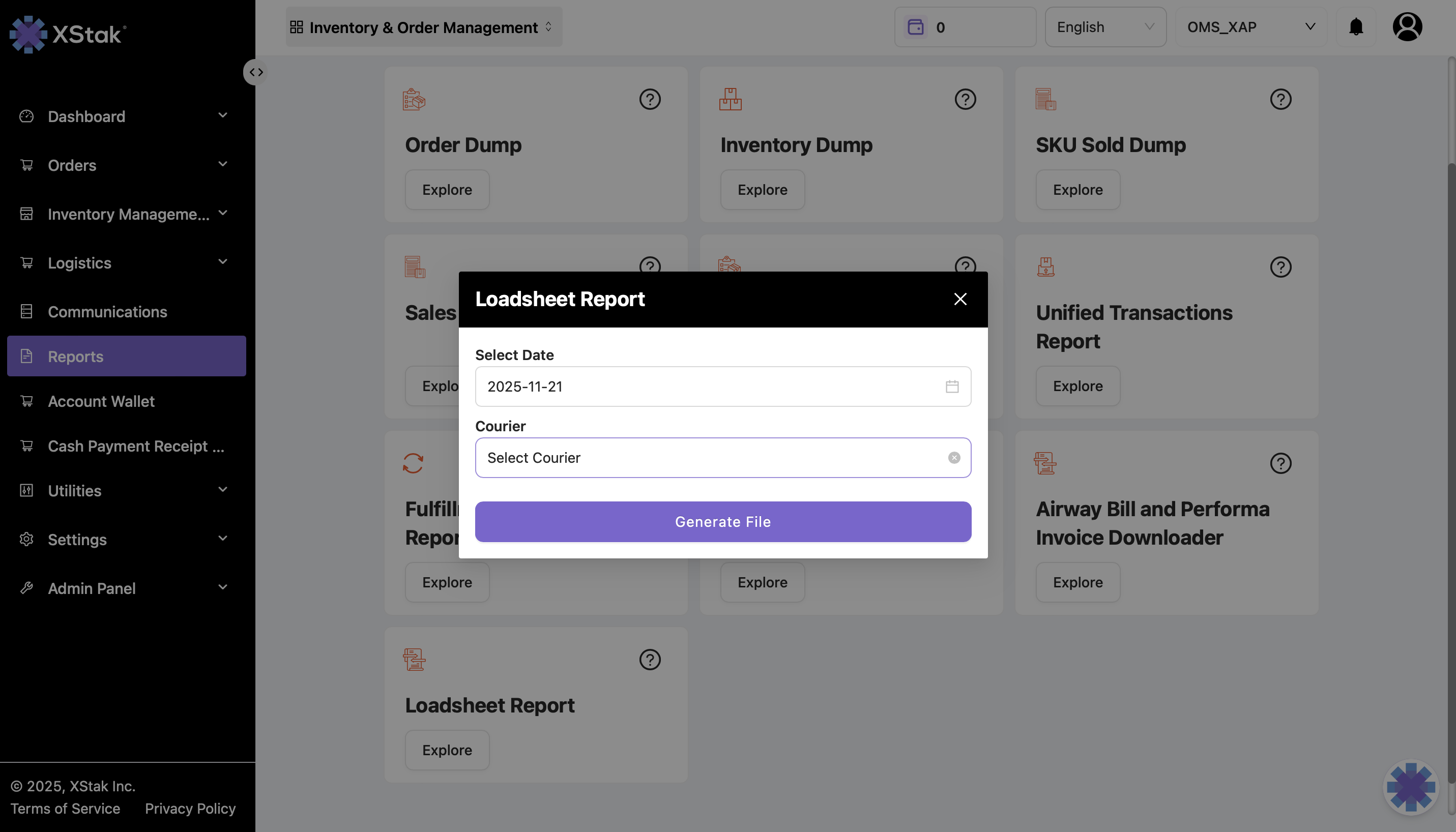
10. Loadsheet Report
Purpose
Provides loading sheet details for courier pickups and manifests.
How to Generate
Go to Reports → Loadsheet Report.
Select the Courier .
Generate the file.